Illustration & Art Style — GPT Image 2 prompt template
Illustration & Art · Illustration · Art · Style
An art-direction block: composition and subject first, then palette, brush or material, mood and how far the rendering goes.
Anime, watercolor, ink, material experiments, and art direction. It suits illustrators exploring directions, and anyone whose style prompts keep returning technically-on-brief images with no composition to speak of.
When to use it
Use for anime, watercolor, ink, decorative art, and style experiments. It sits in the Illustration & Art group of the catalog, which covers illustration, art styles, material experiments, and decorative images. If your brief is closer to one of the neighbouring genres, the related templates at the bottom of this page are the faster route — picking the right template matters more than perfecting the wrong one.
The template
Copy the block, replace everything inside brackets with your own specifics, and delete any line that does not apply to your brief. The template text is published in Chinese, as it appears in the upstream catalog; the structure is what carries the value, so translating the labels into your own language changes nothing about how it works.
创作[题材]插画,主角为[角色/主体]。
画风:[日漫/水彩/扁平/厚涂],线条:[细腻/粗犷]。
配色:[配色方案],背景:[简洁/复杂场景]。
构图:[近景/中景/远景],重点表现[细节]。
输出:可用于封面或社媒发布的高质量插画。
JSON version (agent-friendly)
Every Illustration & Art template shares one JSON block, which expresses the same kind of decisions as key–value fields rather than prose. Use it when a script, an agent or a form fills in the values, or when you want to change a single field between runs and see exactly what changed; swap the example values for your own.
{
  "type": "Artistic Illustration",
  "art_style": "Studio Ghibli inspired anime style",
  "scene": {
    "description": "A giant flying whale carrying a small cozy village on its back",
    "details": "Windmills turning, tiny people looking over the edge, fluffy white clouds"
  },
  "palette": "Vibrant sky blue, lush greens, soft pastel accents",
  "technique": "Cel shading, detailed background art, soft glowing magical aura",
  "mood": "Whimsical, adventurous, nostalgic"
}
How to fill it in
The block above asks you to make 8 explicit decisions before you send anything. That is the point of a template: the decisions you do not make are made for you, and in image generation the defaults are what produce work that looks generic.
Describe the picture before the style: what is in the frame, where, and at what distance. Style words applied to an undefined composition produce texture, not an illustration.
When you are working from a reference, state exactly what must be preserved — the face, the outfit, the pose — so the style transfer has a fixed point to hold onto.
- Define composition, subject, palette, brush material, mood, and rendering depth.
- For reference images, state what must be preserved.
A working order for the whole thing: fill the structural slots first (subject, layout, format), then the visual ones (palette, light, material), then the text that has to appear verbatim, and only then the mood words. Run it once, change one field, run it again — a template you iterate one variable at a time tells you which variable did the work, which a rewritten prompt never does.
Common mistakes
Style-only prompts are the classic mistake: a list of adjectives and a medium, with nothing said about layout, yields a competent image of nothing in particular.
Identity drifts across renders whenever the anchors are unstated, which is why a character carried through several illustrations needs its features written down every time.
- Avoid style-only prompts without composition.
- Lock character identity when using references.
Example results
These are the public posts this template was distilled from: the creator shared the image and the prompt behind it, and the recurring structure across cases like these became the block above. Each card links back to its source, and a public post is not a licence to reuse the image.
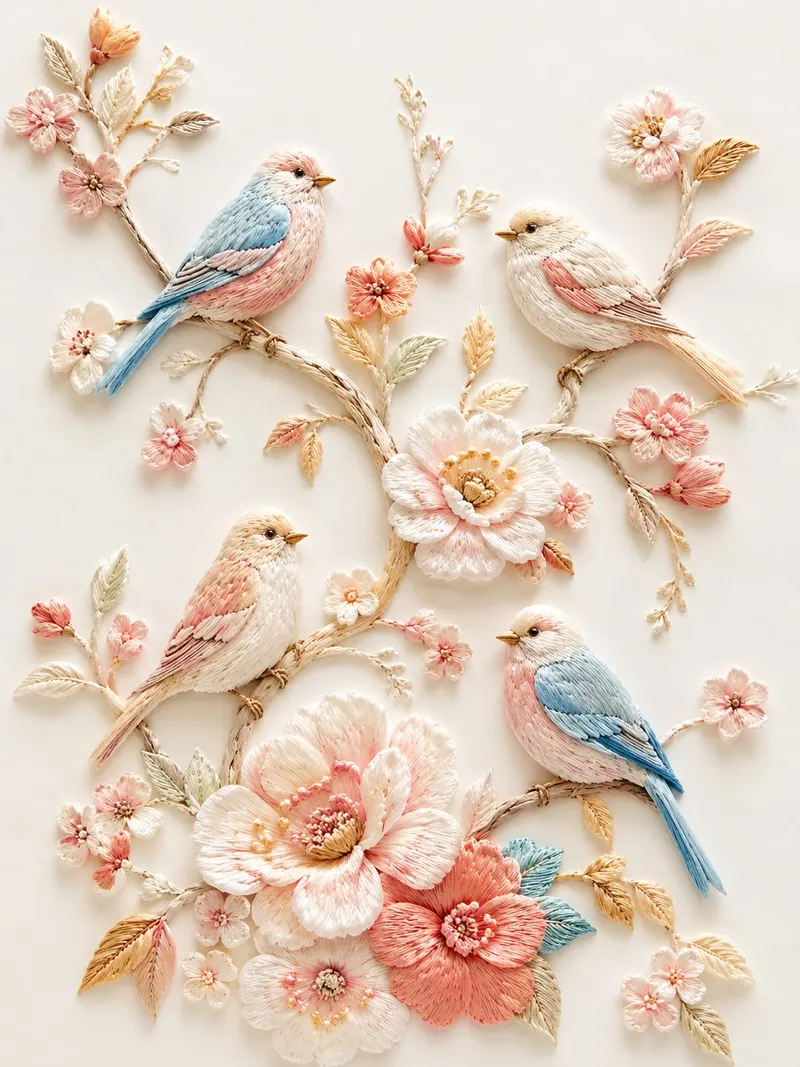
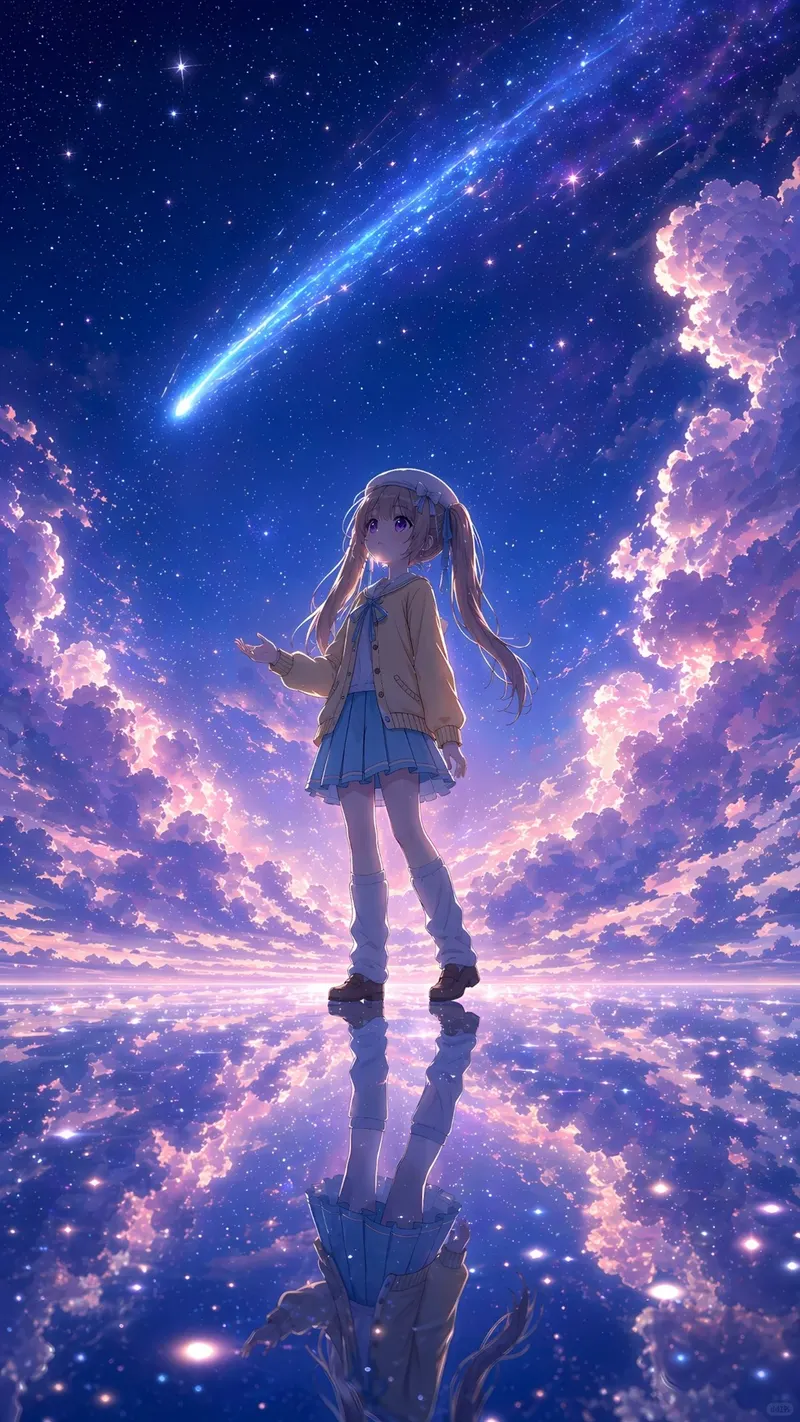
Illustration Art
参考图是角色人设图,为参考图的少女绘制一副日系唯美奇幻风格插画。 【构图】这是一个宏大的中景日系奇幻插画构图,画面中心是完全保留了完整细节的可爱少女,她站立在无边的、如镜面般平滑的水面中心。天空呈现出高饱和度的粉紫与深蓝交织,一条耀眼的蓝色巨型流星划破天际,配合着边缘发光的瑰丽层云。女孩处于背光状态,形成一个暗调但依然


Related templates
- Character Design Sheet — Characters, pose sheets, action grids, and identity consistency.
- 3D Collectible Toy — Reference photo to premium 3D collectible figure prompts.
- Scene Storytelling — Storyboards, worldbuilding, narrative scenes, and emotional pacing.
- History & Classical Themes — Dynasty clothing, scroll narrative, poetry, and traditional motifs.
- Document & Publishing — White papers, manuals, encyclopedic plates, and page systems.
Frequently asked questions
- Can I combine two art styles in one prompt?
- You can, but name what each contributes — one supplies the palette, the other the brushwork, say. Two undifferentiated style words usually average into a third style you did not ask for.
- How do I keep a character consistent across illustrations?
- Write the identity anchors — face, hair, outfit details — into every prompt, and consider the character design sheet template for a reference sheet you can describe from afterwards.
- Is the Illustration & Art Style template free to use?
- Yes. The template text comes from the open-source awesome-gpt-image-2 catalog by freestylefly, published under the MIT licence, and PicGens reproduces it with credit. Copy it, fill in the brackets and paste it into whichever tool you run GPT Image 2 in.
- What is the JSON version of the template for?
- It carries the same decisions as key–value fields instead of prose, which is easier for an agent or a script to assemble programmatically and easier to diff when you iterate. Use the plain-text block when you are writing by hand and the JSON block when something else is filling in the values.
- Where do the example results come from?
- They are public posts by creators who shared both the image and the prompt behind it, collected in the same open catalog. Each one links back to its source, and a public post is not itself a licence to reuse the image.
中文说明
插画与艺术风格 — 生成动漫、水彩、水墨、材质实验和艺术风格图。
用于动漫、水彩、水墨、装饰画和风格实验。
- 定义构图、主体、配色、笔触材质、情绪和完成度。
- 参考图任务需要说明保留哪些特征。
- 避免只写风格,不写构图。
- 使用参考图时锁定角色识别。
Keep exploring
Template text and case metadata from awesome-gpt-image-2 by freestylefly, used under the MIT licence. English commentary by PicGens. Results vary by model version, reference image and settings.