Orange Line Illustration
New Yorker-style single-idea line drawings with one orange accent and three recurring characters.

Writers / Speakers / Founders
Suggested prompts
Written by PicGens as starting points. Click one to copy it, then paste it to your agent once the skill is installed.
About this skill
Orange Line Illustration (橙线插画) is a style system for minimalist editorial drawings, of the kind magazines use as spot illustrations next to an essay. Its rules are few and strict: one idea per picture, thin black lines, a lot of white space, and a single orange accent. A favourite device is scale — tiny figures set against oversized objects — which makes abstract ideas such as effort, overwhelm or progress immediately legible.
Three recurring characters carry the action, and the skill insists that the character performs the core idea rather than standing beside it. Xiaocheng is a small geometric figure marked by an orange dot on the chest. The “line person” is drawn in a single continuous stroke. The “line cat” takes about ten strokes. Using the same cast across many pictures gives a publication or a personal brand a recognisable visual voice without the cost of commissioning an illustrator for every post.
The skill supports two workflows. The first produces single concept illustrations for articles, newsletters and covers: you describe the idea, and it proposes and draws the picture. The second takes an article or outline and turns it into an illustrated HTML slide deck, with a drawing for each key point — handy for talks and internal presentations.
Its prompts are written to be model-agnostic, so it does not depend on any particular image generator; any text-to-image tool your agent can reach will do. The README is available in English and Chinese, and installation is manual: place the folder in your agent’s skills directory (for example ~/.claude/skills/orange-line-illustration/, or the equivalent Cola folder).
Read the licence before using it commercially. The repository uses a custom dual licence: it is free for open-source and personal use, but closed-source or proprietary commercial use requires a separate commercial licence from the author. If you plan to use the illustrations in a paid product or for clients, contact the author first.
What it makes
Minimal line illustrations, or an illustrated HTML slide deck from an outline.
Before you install: Any text-to-image tool. Custom dual licence — commercial closed-source use needs permission.
How to install Orange Line Illustration
1.Manual install
Place the folder at ~/.claude/skills/orange-line-illustration/ (or ~/.cola/skills/orange-line-illustration/ for Cola).
Licence and attribution
Orange Line Illustration is created and maintained by orange2ai and published at github.com/orange2ai/orange-line-illustration under a custom licence — read the repository’s LICENSE before reuse. The summary, suggested prompts and “About this skill” text are written by PicGens. The preview is GitHub’s own social card for the repository. PicGens is not affiliated with the author.
Related skills
All skills →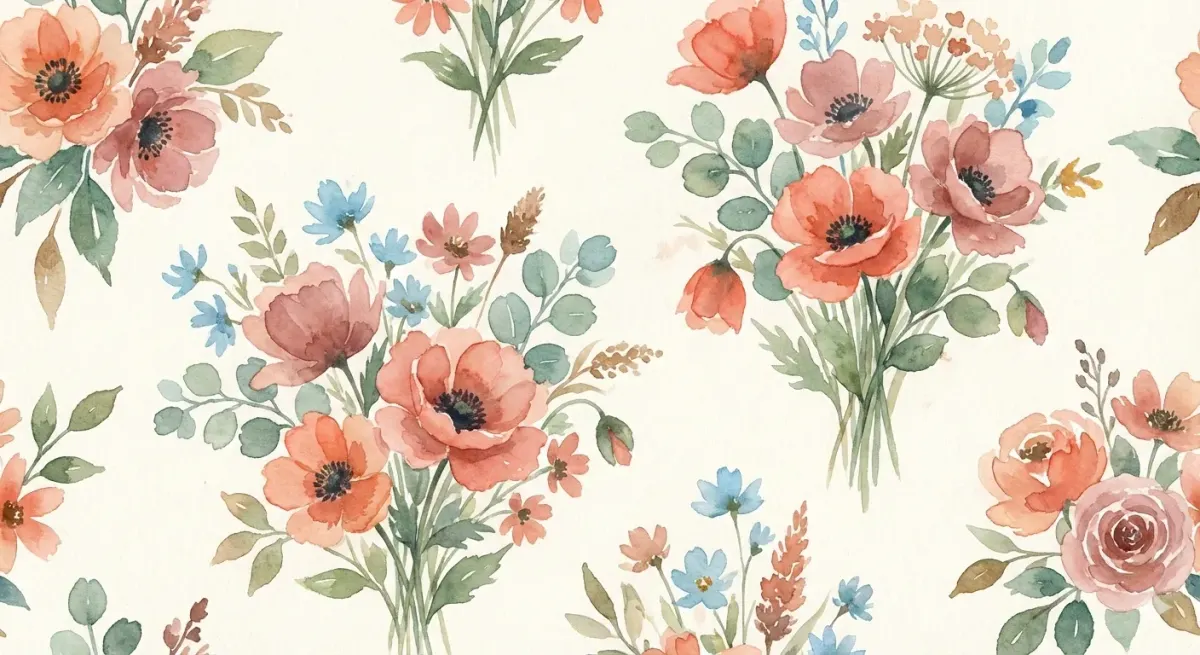
Baoyu Article Illustrator
Get illustrations placed exactly where your article needs them, in a consistent style and palette.
 JimLiuGitHub stars: 26k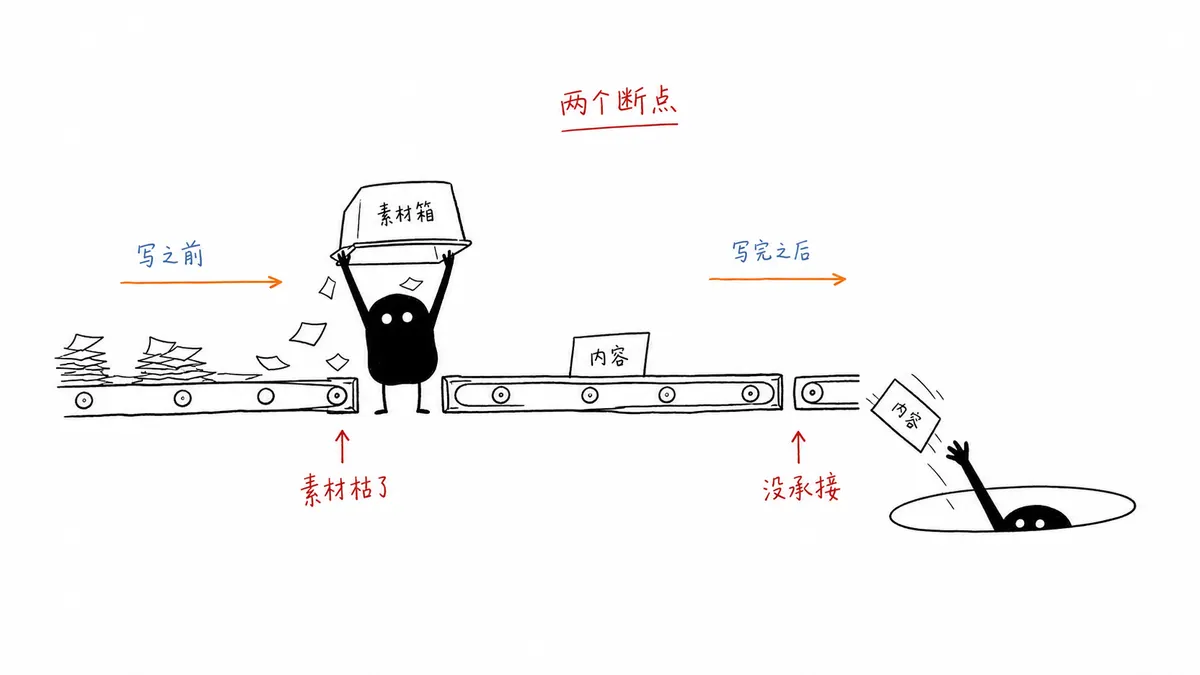
Ian Xiaohei Illustrations
Get a shot list and a set of hand-drawn Xiaohei illustrations for your article, on clean white pages.
 helloianneoGitHub stars: 12k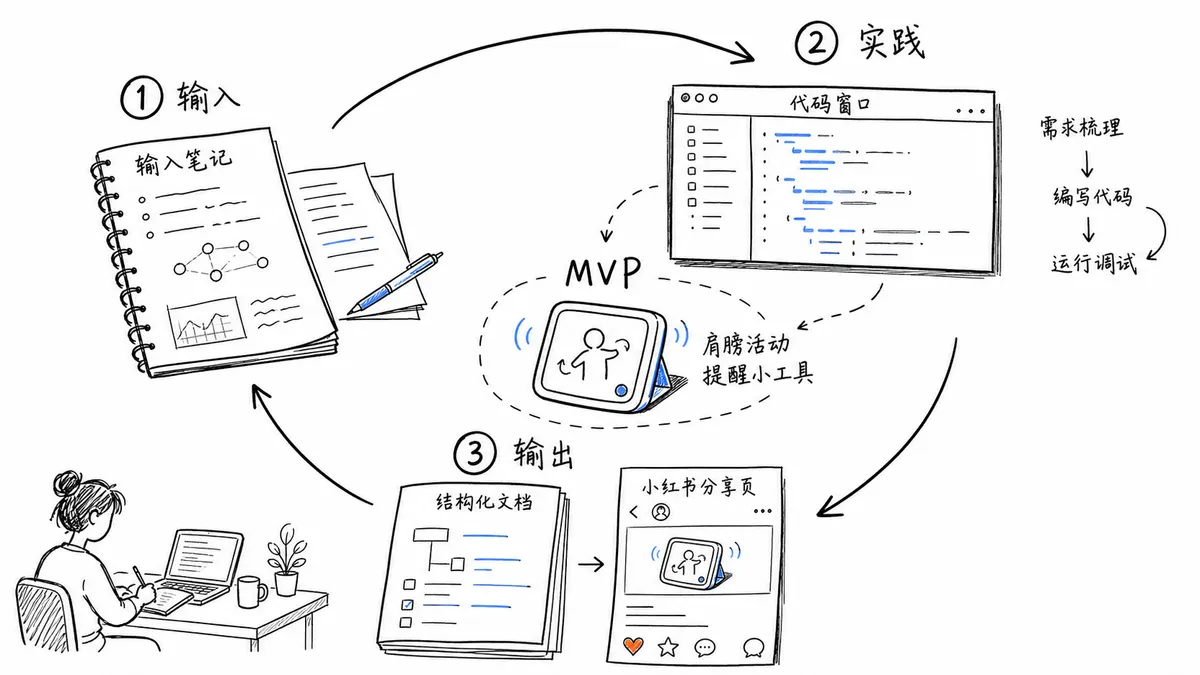
Gimi Illustration
Get easy-to-read illustrations for posts and scripts, narrated by Gimi or your own character.
 GiMi-XiaomiGitHub stars: 698
TaiT CRT Interface
Get a pixel-art portrait framed like an early CRT desktop, with floating retro windows.
 TaiT-ttGitHub stars: 507
Looking for prompts instead of a skill?
Browse real illustration & 3d prompts with the images they made, or give your agent the free PicGens template skill.