Mengli Personal IP Kit
Turns a photo of you, your pet or a mascot into a chibi character, then a full kit of stickers, icons and art.

Creators / Pet owners / Small brands
Suggested prompts
Written by PicGens as starting points. Click one to copy it, then paste it to your agent once the skill is installed.
About this skill
This skill builds a personal mascot and then keeps it consistent across everything you make with it. The look it uses is called Mengli (萌粒): chibi proportions, a slightly shaky hand-drawn pen line and clean flat colour — cute without being generic. The source can be a photo of yourself, a pet, an original character you already drew, or an existing brand mascot.
Consistency is the hard part of character work with image models, and the skill tackles it head-on. Nothing else is generated until you have confirmed a character anchor: a front view and a turnaround that define exactly what the character looks like. Every later image refers back to that anchor, so the tenth sticker still looks like the same character as the first.
Once the anchor is approved, the skill can produce an unusually wide kit from it. There are article illustrations and 3:4 infographics featuring the character; photo-fusion images in which the character interacts with real objects in your own photos; die-cut sticker sheets; transparent folder icons for your desktop; letter paper and Polaroid-style frames; scene avatars for social profiles; and expression packs for chat apps.
It pays attention to technical details that are easy to get wrong. When an asset is supposed to be transparent, it checks that the file really has an alpha channel rather than a white background that merely looks transparent. When it fuses the character into a photo, it verifies that the parts of the photo that should be untouched really are. In Codex it uses whatever image generation or editing tool is available.
The README comes in Chinese and English. Install it by cloning the repository into your skills folder. Note that the repository has no licence file, so the author keeps all rights to the skill and its showcase images; use it for your own characters and ask before redistributing it.
What it makes
A character anchor plus illustrations, infographics, stickers, icons, stationery and avatars.
Before you install: An agent with image generation and editing.
How to install Mengli Personal IP Kit
1.Clone the repository
git clone https://github.com/EverettFish/ip_illustration_for_yourself.git
Licence and attribution
Mengli Personal IP Kit is created and maintained by EverettFish and published at github.com/EverettFish/ip_illustration_for_yourself without a licence file, so the author reserves all rights — ask before redistributing it or its sample images. The summary, suggested prompts and “About this skill” text are written by PicGens. The preview is GitHub’s own social card for the repository. PicGens is not affiliated with the author.
Related skills
All skills →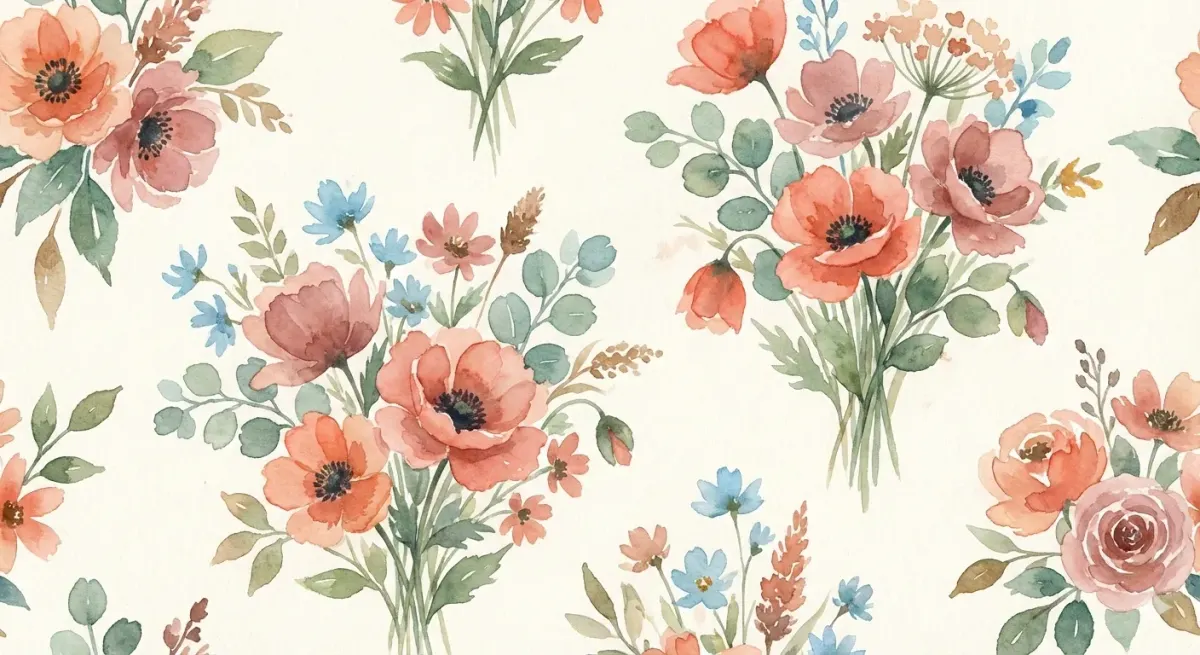
Baoyu Article Illustrator
Get illustrations placed exactly where your article needs them, in a consistent style and palette.
 JimLiuGitHub stars: 26k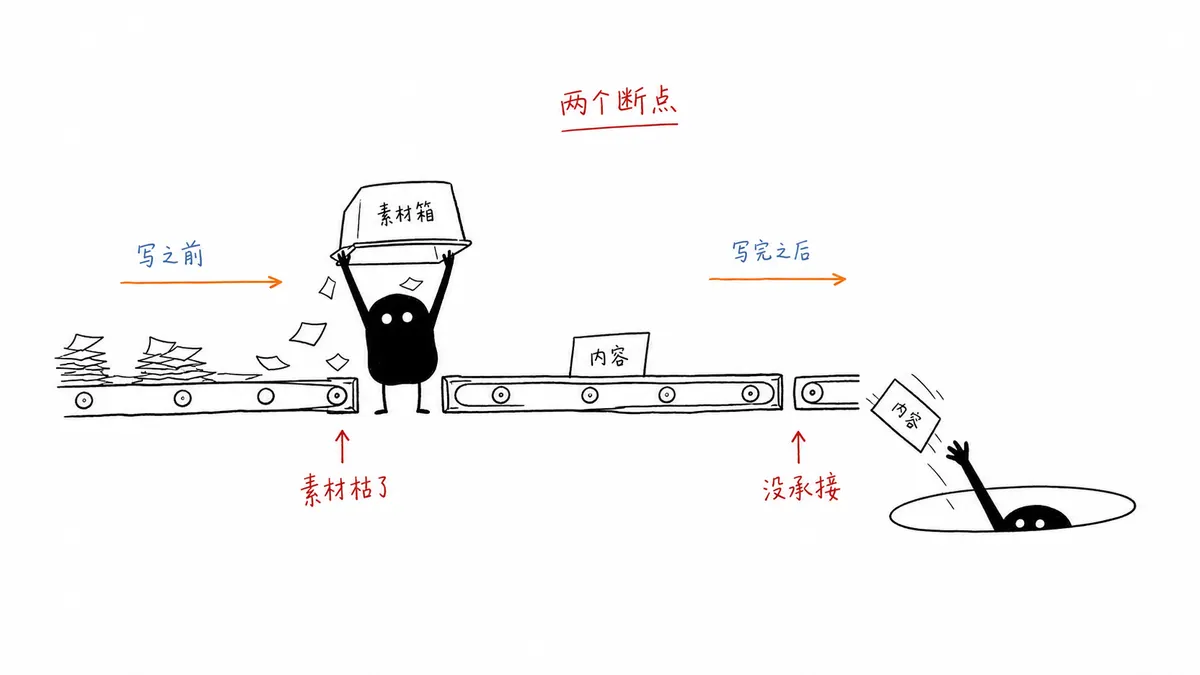
Ian Xiaohei Illustrations
Get a shot list and a set of hand-drawn Xiaohei illustrations for your article, on clean white pages.
 helloianneoGitHub stars: 12k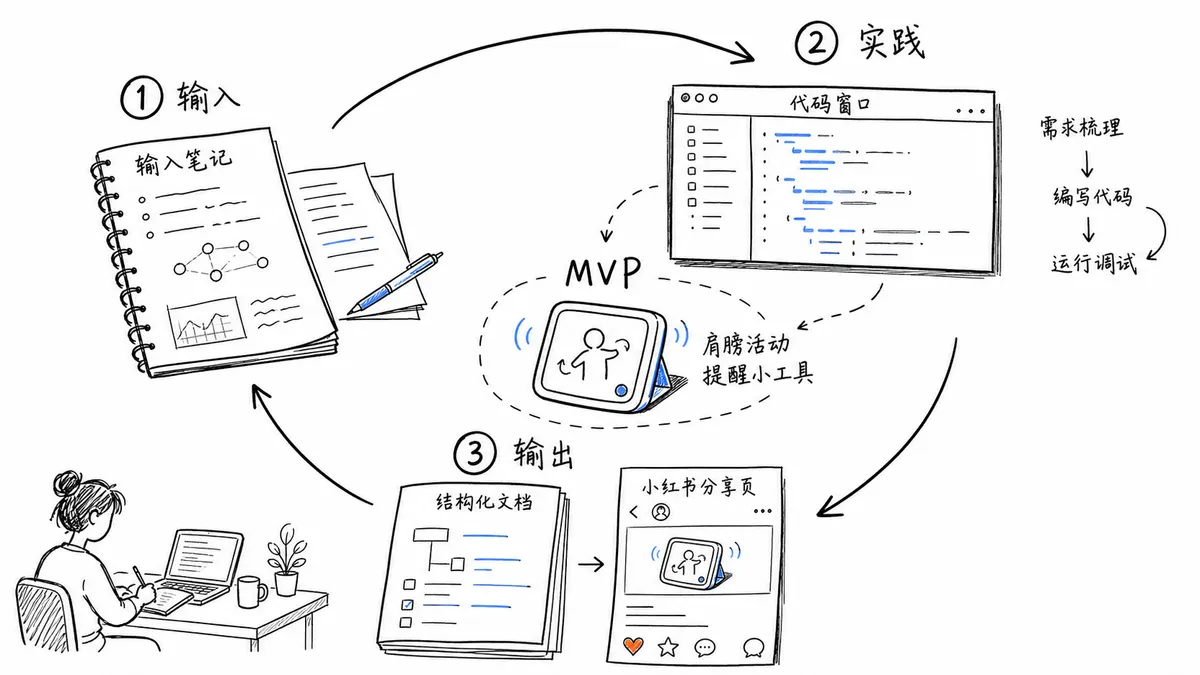
Gimi Illustration
Get easy-to-read illustrations for posts and scripts, narrated by Gimi or your own character.
 GiMi-XiaomiGitHub stars: 698
TaiT CRT Interface
Get a pixel-art portrait framed like an early CRT desktop, with floating retro windows.
 TaiT-ttGitHub stars: 507
Looking for prompts instead of a skill?
Browse real illustration & 3d prompts with the images they made, or give your agent the free PicGens template skill.