Hand-Drawn Diagrams
Sketchy Excalidraw diagrams from a sentence, with a live edit link and a self-drawing animated SVG.

Educators / Product managers / Engineers
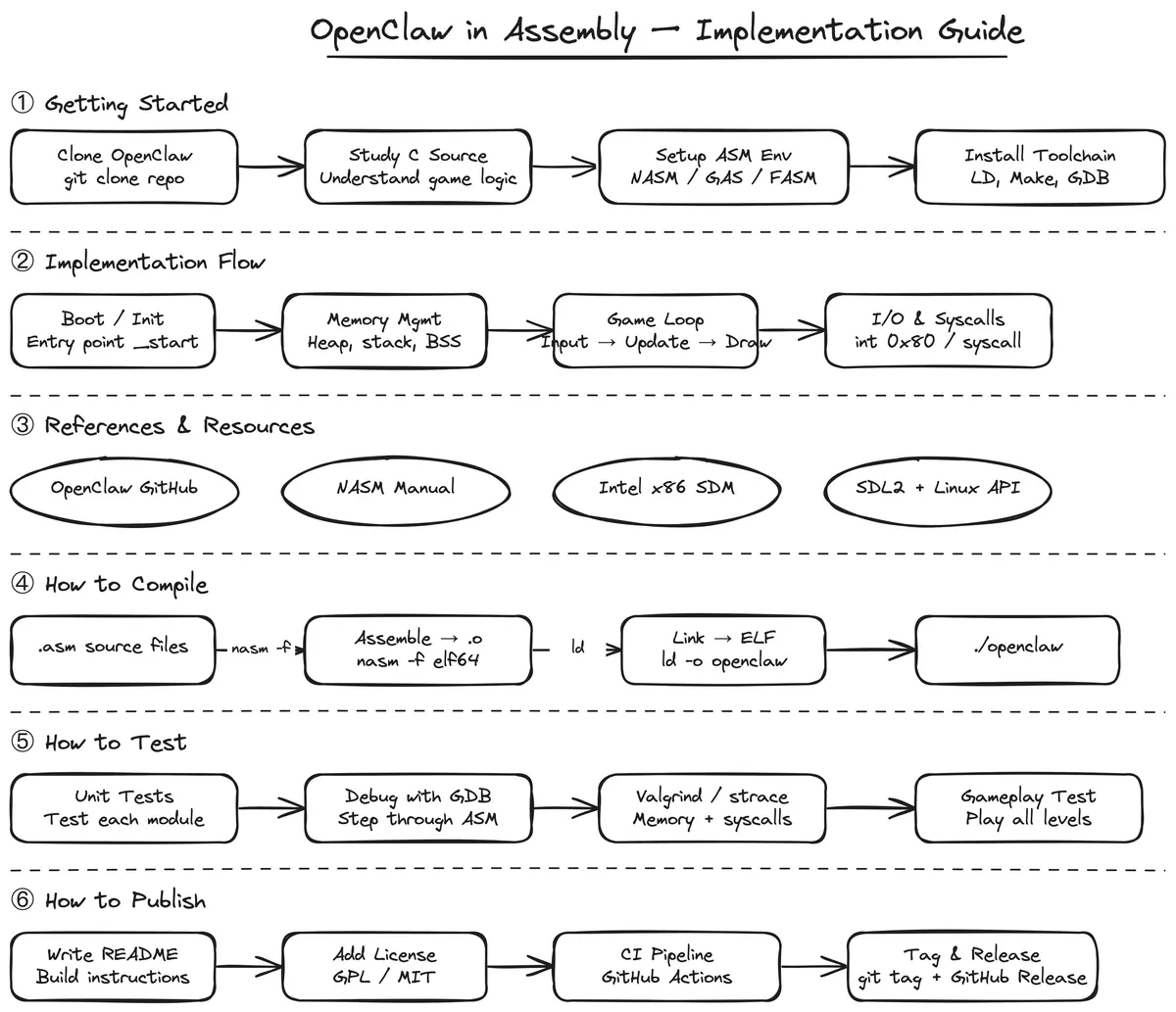
Preview: example output from muthuishere/hand-drawn-diagrams by muthuishere, reproduced under the MIT licence.
Suggested prompts
Written by PicGens as starting points. Click one to copy it, then paste it to your agent once the skill is installed.
About this skill
Hand-Drawn Diagrams turns a plain-language request into an Excalidraw diagram with the familiar sketchy look — process flows, explainers, architecture overviews, UX wireframes, funnels and study maps. The agent decides which kind of diagram fits, places elements on non-overlapping coordinates, validates the layout, and hands back a hosted Excalidraw link where you can keep editing.
On request it also saves the .excalidraw source, a PNG export rendered with Playwright, or an animated SVG that draws itself stroke by stroke. The default is monochrome, with restrained colour reserved for page mockups, and working files go to a temporary folder. Because the edit link is hosted, diagram content leaves your machine, which matters for confidential material.
What it makes
A hosted Excalidraw diagram, plus optional .excalidraw, PNG and animated SVG files.
Before you install: Network access for the hosted Excalidraw link; Playwright for PNG export.
From the project README
Reproduced from muthuishere/hand-drawn-diagrams by muthuishere under the MIT licence.
hand-drawn-diagrams
AI skill for turning ideas, notes, systems, and flows into hand-drawn diagrams — with a hosted edit URL, animated video, and PNG, all from a single prompt.
Jump to: What this is · Output · Quick start · Credits

Example output
Static PNG — exported on request:

Animated SVG — draws itself stroke by stroke (view):

What this is
hand-drawn-diagrams is an AI skill (for Claude Code, Codex CLI, and compatible agents) that takes a natural language prompt and produces a hand-drawn diagram you can edit, animate, and share — without opening any app.
You describe what you want. The AI picks the right diagram type, draws it in Excalidraw's sketch style, validates the layout, and hands you a live hosted URL. From there you can edit it in a browser, watch it animate, download the source, or export a PNG.
How it's different from using Excalidraw directly
| Excalidraw | hand-drawn-diagrams | |
|---|---|---|
| Starting point | Blank canvas, you draw | Natural language prompt |
| Diagram type | You decide | AI picks the right route (teaching, UX, architecture, funnel…) |
| Layout | You position everything | AI assigns non-overlapping coordinates |
| Animation | Manual or none | Auto-generated animation spec, renders in browser |
| Output | File on disk | Hosted edit URL + animated SVG + PNG on request |
| Workspace | You open the app | Files stay in /tmp/ by default — workspace stays clean |
This skill is not a replacement for Excalidraw — it sits on top of it. Every diagram it produces is a standard .excalidraw file you can open, edit, and own.
Best for
- students: study notes and exam revision maps
- teachers: lesson explainers and concept breakdowns
- architects: system and API flow diagrams
- builders: sequence diagrams and integration maps
- designers: UX flows and wireframes
- product: idea maps and feature flows
- sales: funnel and conversion visuals
- doctors: process and patient-facing explainers
Output
The agent infers what you want from your prompt and routes to the right output automatically:
| What you ask for | What you get |
|---|---|
| "create a diagram" / default | Browser opens to hosted Excalidraw editor — edit, tweak, download |
| "open the animation" | Browser opens animated view — diagram draws itself stroke by stroke |
| "save as excalidraw" | .excalidraw source file saved to your project |
| "save the animation" | .animated.svg saved to your project — plays in any browser |
| "save image" | .png saved to your project |
| "show image" | .png rendered and opened with your system viewer |
Source files go to /tmp/hand-drawn-diagrams/ by default — your workspace stays clean.
Quick start
npx skills add muthuishere/hand-drawn-diagrams
Works for Claude Code, Codex, OpenCode, Windsurf, GitHub Copilot, Cursor, Gemini CLI, and 40+ more agents. Detects which agents you have installed automatically.
For all install options, global vs project scope, and uninstall — see INSTALL.md.
Credits and acknowledgements
This skill stands on the shoulders of excellent open-source work:
-
Excalidraw — the open-source virtual whiteboard that powers the hand-drawn visual style and the hosted editor. All diagrams produced by this skill are standard Excalidraw files. GitHub: excalidraw/excalidraw
-
excalidraw-animate by @dai-shi — the animation library that renders Excalidraw diagrams as SVGs that draw themselves stroke by stroke. The animated SVG output in this skill is powered by this library.
Community
Questions, ideas, or built something with this? Join AgentNexus — a Discord for people building with AI agents and open tools. This project lives in #hand-drawn-diagrams.
License
MIT — see LICENSE.
Built and maintained by deemwar — we build messaging and browser automation, and the plumbing that keeps it delivering when it silently stops.
Need help with this, or something like it in production? io@deemwar.com
How to install Hand-Drawn Diagrams
1.Skills CLI
npx skills add muthuishere/hand-drawn-diagrams
Licence and attribution
Hand-Drawn Diagrams is created and maintained by muthuishere and published at github.com/muthuishere/hand-drawn-diagrams under the MIT licence. GitHub reports NOASSERTION, but the LICENSE file is the standard MIT text. The summary, suggested prompts and “About this skill” text are written by PicGens; the README section is reproduced under the project’s licence. The preview is an example image from the repository, reproduced under its licence. PicGens is not affiliated with the author.
Related skills
All skills →
Archify
Get an explorable architecture diagram you can theme, step through and export as image or video.
 tt-a1iGitHub stars: 73k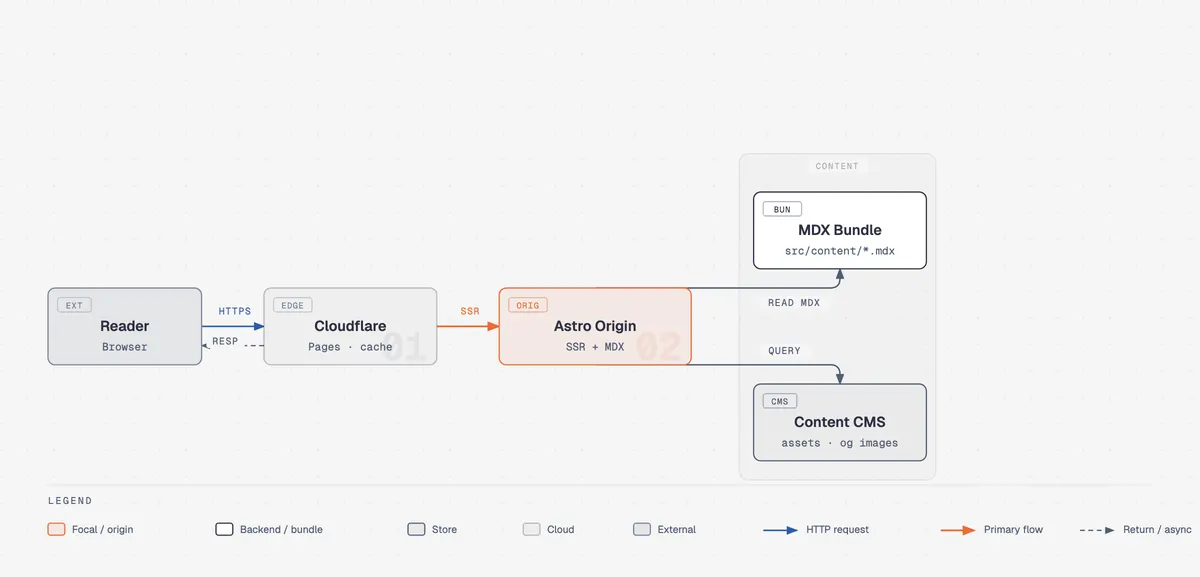
Diagram Design
Get a designer-quality diagram as a standalone HTML/SVG file, in light, dark or editorial form.
 cathrynlaveryGitHub stars: 43k
STEM Illustration
Get a clean scientific schematic or teaching figure from a template, in the style your audience expects.
 liangdabiaoGitHub stars: 122
Canvas Design
Get an original poster or art print drawn in code, plus the design philosophy behind it.
 anthropicsGitHub stars: 179k
Looking for prompts instead of a skill?
Browse real chart & infographic prompts with the images they made, or give your agent the free PicGens template skill.