Diagram Design
Editorial-quality diagrams as standalone HTML and SVG — architecture, flows, sequences, maps and more.

Engineers / Product managers / Consultants
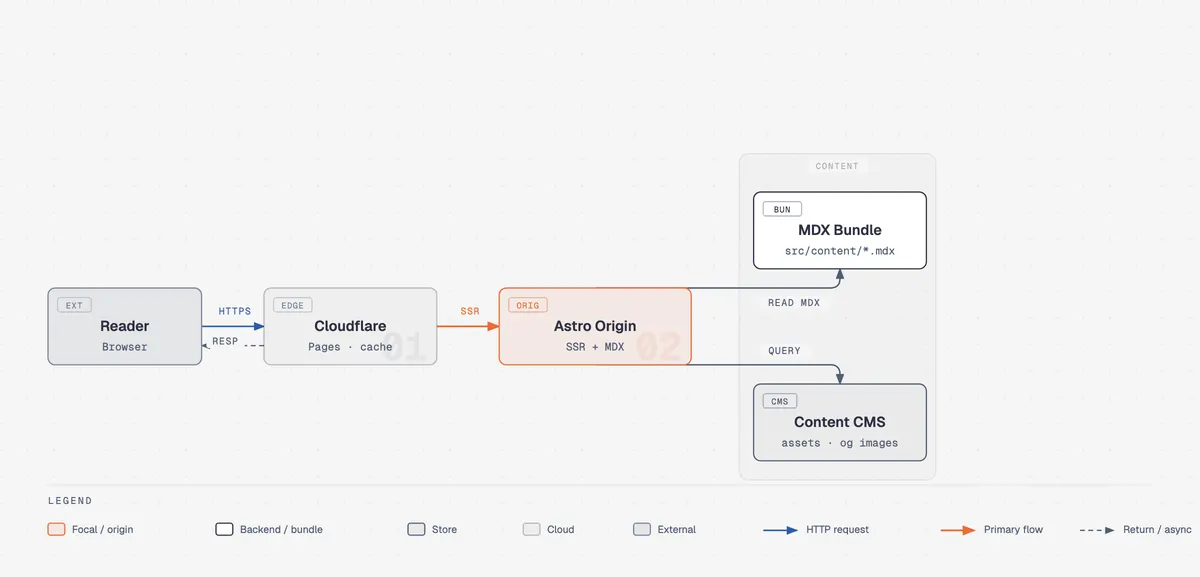
Preview: example output from cathrynlavery/diagram-design by cathrynlavery, reproduced under the MIT licence.
Suggested prompts
Written by PicGens as starting points. Click one to copy it, then paste it to your agent once the skill is installed.
About this skill
Diagram Design produces diagrams that look designed rather than auto-generated. It covers a long list of types — architecture, flowchart, sequence, state machine, entity-relationship, timeline, swimlane, quadrant, Sankey, fishbone, Wardley map, org chart and others — and each comes in minimal light, minimal dark and full editorial variants.
The rules are opinionated: a restrained accent colour reserved for the one or two elements that matter, and a target visual density kept deliberately low so diagrams stay readable. Output is a self-contained HTML file with inline SVG, with no build step, framework or external images, and optional motion that respects accessibility settings. It can also match your brand by reading your website. The README documents plugin installs for Claude Code and Codex and manual setups for several other agents.
What it makes
Standalone HTML and SVG diagrams in light, dark and editorial variants.
From the project README
Reproduced from cathrynlavery/diagram-design by cathrynlavery under the MIT licence; shortened here — read the rest on GitHub.
Diagram Design
Editorial diagrams your designer won't hate.


New in 2.0 — the Loop: flywheels with a shared-memory hub. The dashed lines are the write-backs.
New in 2.3: semantic system patterns and optional accessible motion, while static output stays the default.
New in 2.5.10: ten more layout grammars — Sankey, fishbone, Wardley map, kanban, user journey, deployment, dependency graph, UML class, story map, and database schema.
Editorial diagram types for Claude Code, Codex, Factory Droid, Pi, and Agent Skills-compatible hosts. Self-contained HTML + SVG. No shadows. No Mermaid slop. Semantic patterns describe behavior separately from layout, so a queue, policy trace, or trust boundary can use the nearest existing type without expanding the type count. Static HTML remains the default; optional motion is available for ordered explanations. The skill also redraws draw.io, Mermaid, or Excalidraw sources at a chosen format, size, and detail level.
No Figma. No generic rounded boxes. No 30-minute color-picking sessions.
Why I built it
I write at littlemight.com (and run BestSelf.co on the side). Every time I needed a diagram — an architecture sketch, a flowchart, a pyramid of what matters most — I'd ask Claude and get back a generic rounded-box thing that looked nothing like the rest of the site. I'd either fight with Figma for 30 minutes or just skip the diagram.
So I built a Claude Code skill for it. Editorial-quality visual types, matched to your brand in 60 seconds by reading your website.
The highest-quality move is usually deletion. Every node earns its place. The accent color is reserved for the 1–2 things the reader should look at first. Target density: 4/10.
What it makes
Every visual type ships in three static variants: minimal light, minimal dark, and full-editorial. Open any of them directly in a browser. There is no build step, JavaScript, or external image dependency.
Architecture Components + connections |
 IT current-state Legacy landscape + modernization |
 Flowchart Decision logic |
 Sequence Messages over time |
 State machine States + transitions |
 ER / data model Entities + fields |
 Timeline Events on an axis |
 Swimlane Cross-functional flow |
 Quadrant Two-axis positioning |
 Radar / spider Multi-axis comparison |
Loop / flywheel Reinforcing cycle + shared hub |
 Nested Hierarchy by containment |
 Tree Parent → children |
 Org chart Ownership + routing |
 Layer stack Stacked abstractions |
 Venn Set overlap |
 Pyramid / funnel Ranked hierarchy or drop-off |
 Bar chart Categorical comparison |
 Treemap Part-of-whole by area |
 Line chart Trends over time |
 Gantt Tasks + phases on a timeline |
 Scatter plot Distribution + correlation |
 High-Level End-to-end stack on a cluster |
 Process Multi-actor sequential workflow |
 Medallion Multi-tier data storage |
 Data flow Role-scoped pipeline steps |
 DP integration Sources → core → consumers |
 DP security matrix Per-role access permissions |
 Sankey Quantities that split + merge |
 Fishbone Grouped causes → one effect |
 Wardley map Value chain × evolution |
 Kanban Work in progress by state |
 User journey Stages, actions + sentiment |
 Deployment Zones, hosts + artifacts |
 Dependency graph Fan-in, ranks + cycles |
 UML class Classes, operations + typed relations |
 Story map Backbone × release slices |
 Database schema Physical tables + column FKs |
 Polar chart Cyclic magnitude · linear radius |
 Waterfall Running total + signed bridges |
The v2.5.10 release added the final ten types above. Compare their light, dark, and full-editorial variants in the 30-variant contact sheet.
Browse the live gallery: cathrynlavery.github.io/diagram-design — or open skills/diagram-design/assets/index.html locally to flip through every diagram with light / dark / full-editorial tabs.
Install
Claude Code:
/plugin marketplace add cathrynlavery/diagram-design
/plugin install diagram-design@diagram-design
Then enable updates once: run /plugin, open Marketplaces, select diagram-design, and choose Enable auto-update. Claude Code disables auto-update by default for third-party marketplaces; after this toggle, it refreshes the marketplace and installed plugin in the background after startup. Run /reload-plugins when prompted, or let the next session load the update.
Codex:
codex plugin marketplace add cathrynlavery/diagram-design
codex plugin add diagram-design@diagram-design
Codex refreshes configured Git marketplaces at startup. To fetch immediately, run codex plugin marketplace upgrade diagram-design and start a new session.
GitHub Copilot:
copilot plugin marketplace add cathrynlavery/diagram-design
copilot plugin install diagram-design@diagram-design
Copilot installs the shared Diagram Design skill plus its doctor, export, import, and profile capabilities from the existing repository marketplace. Confirm discovery with copilot skill list (or /skills in an interactive session), then ask for a diagram in natural language. To fetch a merged update, run copilot plugin marketplace update diagram-design, then copilot plugin update diagram-design@diagram-design.
Factory Droid:
droid plugin marketplace add https://github.com/cathrynlavery/diagram-design
droid plugin install diagram-design@diagram-design --scope user
Droid tracks Git plugins by commit rather than the manifest's display version. To fetch a merged update, run droid plugin marketplace update diagram-design, then droid plugin update diagram-design@diagram-design --scope user, and start a new session.
Claude Cowork (organization marketplace): Organization GitHub marketplaces currently require a private or internal repository, so first mirror this public repository into one owned by your organization. In Organization settings → Plugins, choose Add plugin → GitHub, connect that mirror, and enable Sync automatically from the marketplace menu. Automatic sync runs when a pull request containing a plugin version bump is merged to the mirror's default branch; direct pushes do not trigger the webhook. Install Diagram Design from the resulting organization marketplace.
Pi:
pi install https://github.com/cathrynlavery/diagram-design
How to install Diagram Design
1.Claude Code: add the marketplace
/plugin marketplace add cathrynlavery/diagram-design2.Claude Code: install
/plugin install diagram-design@diagram-design3.Codex
codex plugin marketplace add cathrynlavery/diagram-design && codex plugin add diagram-design@diagram-design
Licence and attribution
Diagram Design is created and maintained by cathrynlavery and published at github.com/cathrynlavery/diagram-design under the MIT licence. The summary, suggested prompts and “About this skill” text are written by PicGens; the README section is reproduced under the project’s licence. The preview is an example image from the repository, reproduced under its licence. PicGens is not affiliated with the author.
Related skills
All skills →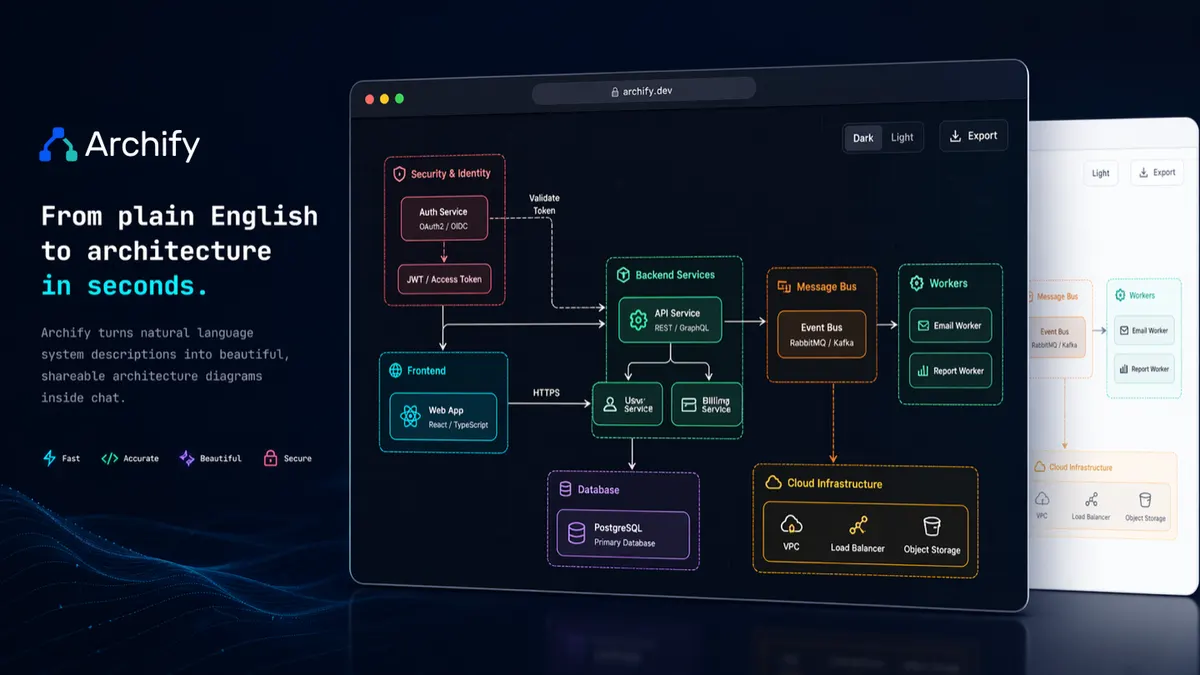
Archify
Get an explorable architecture diagram you can theme, step through and export as image or video.
 tt-a1iGitHub stars: 73k
STEM Illustration
Get a clean scientific schematic or teaching figure from a template, in the style your audience expects.
 liangdabiaoGitHub stars: 122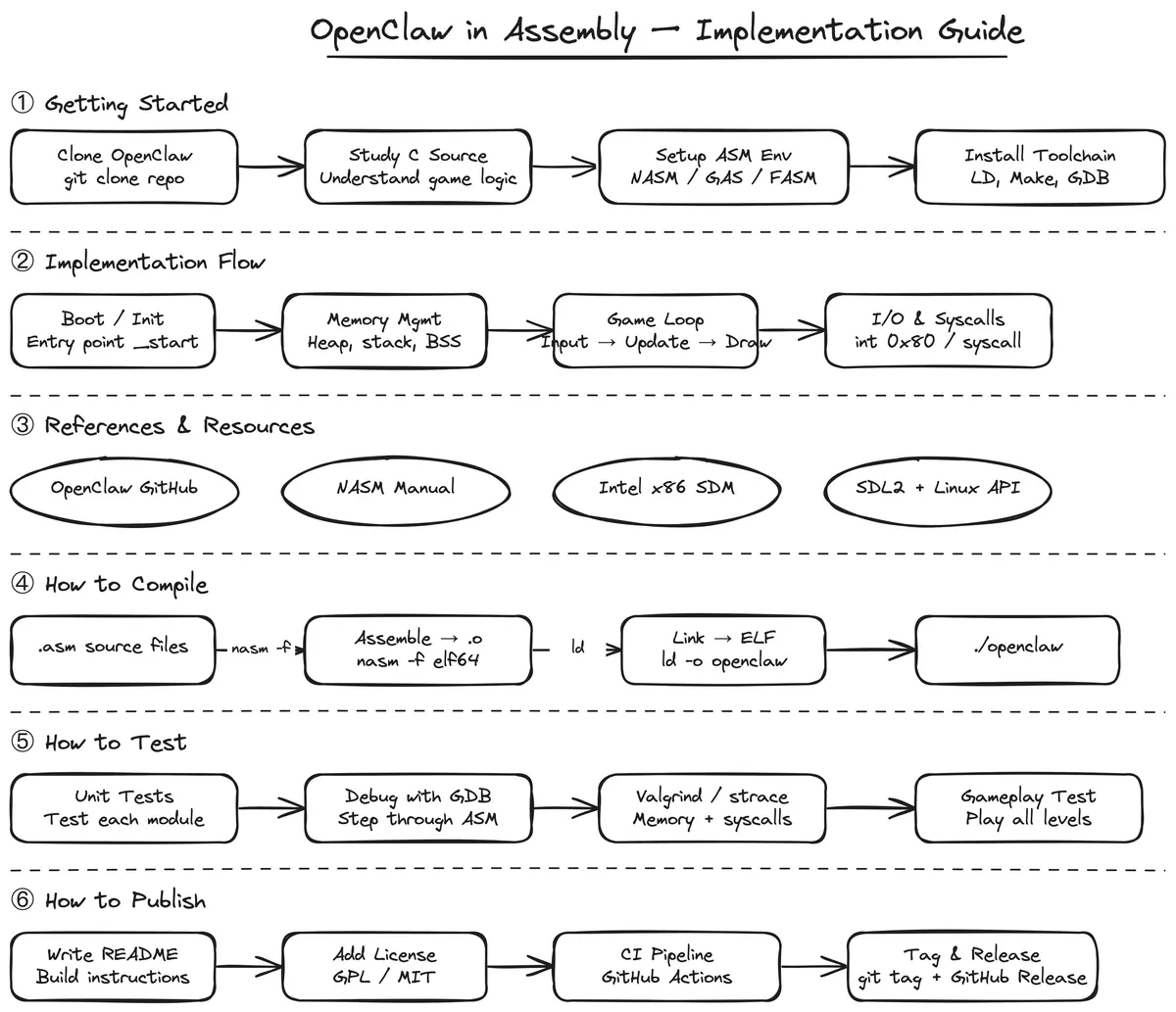
Hand-Drawn Diagrams
Get a sketchy Excalidraw diagram from one sentence, with a live edit link and a self-drawing SVG.
 muthuishereGitHub stars: 78
Canvas Design
Get an original poster or art print drawn in code, plus the design philosophy behind it.
 anthropicsGitHub stars: 179k
Looking for prompts instead of a skill?
Browse real chart & infographic prompts with the images they made, or give your agent the free PicGens template skill.