Photo-to-Poster Skills
Fourteen Codex skills that turn a travel or everyday photo into an art poster — watercolour to papercraft.

Travellers / Photographers / Social creators
Suggested prompts
Written by PicGens as starting points. Click one to copy it, then paste it to your agent once the skill is installed.
About this skill
Photo-to-Poster Skills is a collection of fourteen separate Codex skills, each one converting an uploaded photo into a standalone art poster with its own visual direction. The range includes a watercolour travel card, an impasto miniature landscape, isometric “healing” blocks, a pixel-dissolve landscape, pen-and-wash, a papercraft diorama, gouache still life, paper-cutout figures, a folk-ink landmark portrait, a clean zen ink study, a fading charcoal study and a kraft-paper stencil print.
Some skills repaint the whole canvas using the photo as a reference; comparison skills keep a strip of the real photo next to the reinterpretation; and multi-mode skills ask which layout you want. Most produce 3:4 posters. Each uses the host’s image generation or editing, or returns a prompt on request. The repository is young and small but consistent.
What it makes
3:4 or 4:5 art posters from photos, in fourteen styles.
Before you install: An agent with image generation or editing.
From the project README
Reproduced from GZ-L/photo-to-poster-skills by GZ-L under the MIT licence.
Photo-to-Poster Skills
Fourteen installable Codex skills that turn uploaded reference photos into standalone editorial art posters. The collection includes full-canvas transformations, structured photo/illustration comparison layouts, and multi-mode skills that let the user choose the presentation before generation. Every source photo is processed separately; no multi-image collages.
Included skills
| Style | Skill ID | Visual direction |
|---|---|---|
| Watercolor Travel Card | $watercolor-travel-card |
Perforated watercolor memory card with an editorial archive column |
| Impasto Miniature Landscape | $impasto-miniature-landscape |
Bright sculptural impasto scene with tactile oil-paint volume |
| Isometric Healing Blocks | $isometric-healing-blocks |
Soft isometric modular sculpture derived from the source photo |
| Pixel Dissolve Landscape | $pixel-dissolve-landscape |
Limited-palette pixel reconstruction dissolving into paper white |
| Observational Pen Wash | $observational-pen-wash |
Minimal pen-and-wash study with rhythmic lines and bold negative space |
| Papercraft Travel Diorama | $papercraft-travel-diorama |
Handcrafted miniature travel scene made from paper and tactile materials |
| Gouache Travel Still Life | $gouache-travel-still-life |
Split still life, full-canvas object archive, or complete gouache scene |
| Nostalgic Travel Editorial | $nostalgic-travel-duet |
Split photo/drawing duet or full-canvas minimal editorial illustration |
| Paper Cutout Travel Figures | $paper-cutout-travel-figures |
Split or full-canvas real environments with warm-white paper figures |
| Memory Diary Duet | $memory-diary-duet |
Lifestyle photography paired with a watercolor and pencil memory page |
| Folk Ink Landmark Portrait | $folk-ink-landmark-portrait |
Split or full-canvas folk ink-and-color landmark portrait |
| Clean Ink Zen Memory | $clean-ink-zen-memory |
Pure black ink masses and controlled stippling on pristine ivory paper |
| Charcoal Fading Travel Study | $charcoal-fading-travel-study |
Restrained charcoal memory studies physically fading into clean paper |
| Kraft Stencil Landmark | $kraft-stencil-landmark |
Two-color negative landmark stencil prints on dark natural-fiber paper |
Installation
Clone the repository, then copy the skill folders into your Codex skills directory:
git clone https://github.com/GZ-L/photo-to-poster-skills.git
cp -R photo-to-poster-skills/skills/* ~/.codex/skills/
Open a new Codex task or restart Codex if the skills do not appear immediately.
Usage
Upload one or more photos, then invoke the style you want:
Use $pixel-dissolve-landscape to transform each uploaded photo.
Each source photo is processed independently. Most skills use a 3:4 poster; $memory-diary-duet uses 4:5. Full-canvas skills use the source only as a visual reference, while comparison skills preserve a real photo region and reinterpret the same moment in a second region.
When a skill supports more than one layout, it asks the user to choose unless the request already names a mode. One choice applies to all uploaded photos unless the user assigns modes per image.
If you explicitly ask for a prompt instead of an image, the selected skill returns a ready-to-use image-generation prompt. Otherwise, it uses the available image generation or editing capability directly.
Requirements
- Codex or another compatible skill-enabled agent
- An available image generation or image editing capability
- One or more uploaded reference photos
Repository structure
skills/
├── watercolor-travel-card/
├── impasto-miniature-landscape/
├── isometric-healing-blocks/
├── pixel-dissolve-landscape/
├── observational-pen-wash/
├── papercraft-travel-diorama/
├── gouache-travel-still-life/
├── nostalgic-travel-duet/
├── paper-cutout-travel-figures/
├── memory-diary-duet/
├── folk-ink-landmark-portrait/
├── clean-ink-zen-memory/
├── charcoal-fading-travel-study/
└── kraft-stencil-landmark/
Each folder contains a required SKILL.md entry point and agents/openai.yaml interface metadata.
License
MIT
How to install Photo-to-Poster Skills
1.Clone the repository
git clone https://github.com/GZ-L/photo-to-poster-skills.git2.Copy the skills into Codex
cp -R photo-to-poster-skills/skills/* ~/.codex/skills/
Licence and attribution
Photo-to-Poster Skills is created and maintained by GZ-L and published at github.com/GZ-L/photo-to-poster-skills under the MIT licence. The summary, suggested prompts and “About this skill” text are written by PicGens; the README section is reproduced under the project’s licence. The preview is GitHub’s own social card for the repository. PicGens is not affiliated with the author.
Related skills
All skills →Photo Abstract Editorial
Get your photo, untouched, paired with a minimal abstract panel and a one-line poetic title.
 ZzzLc0405GitHub stars: 5.8k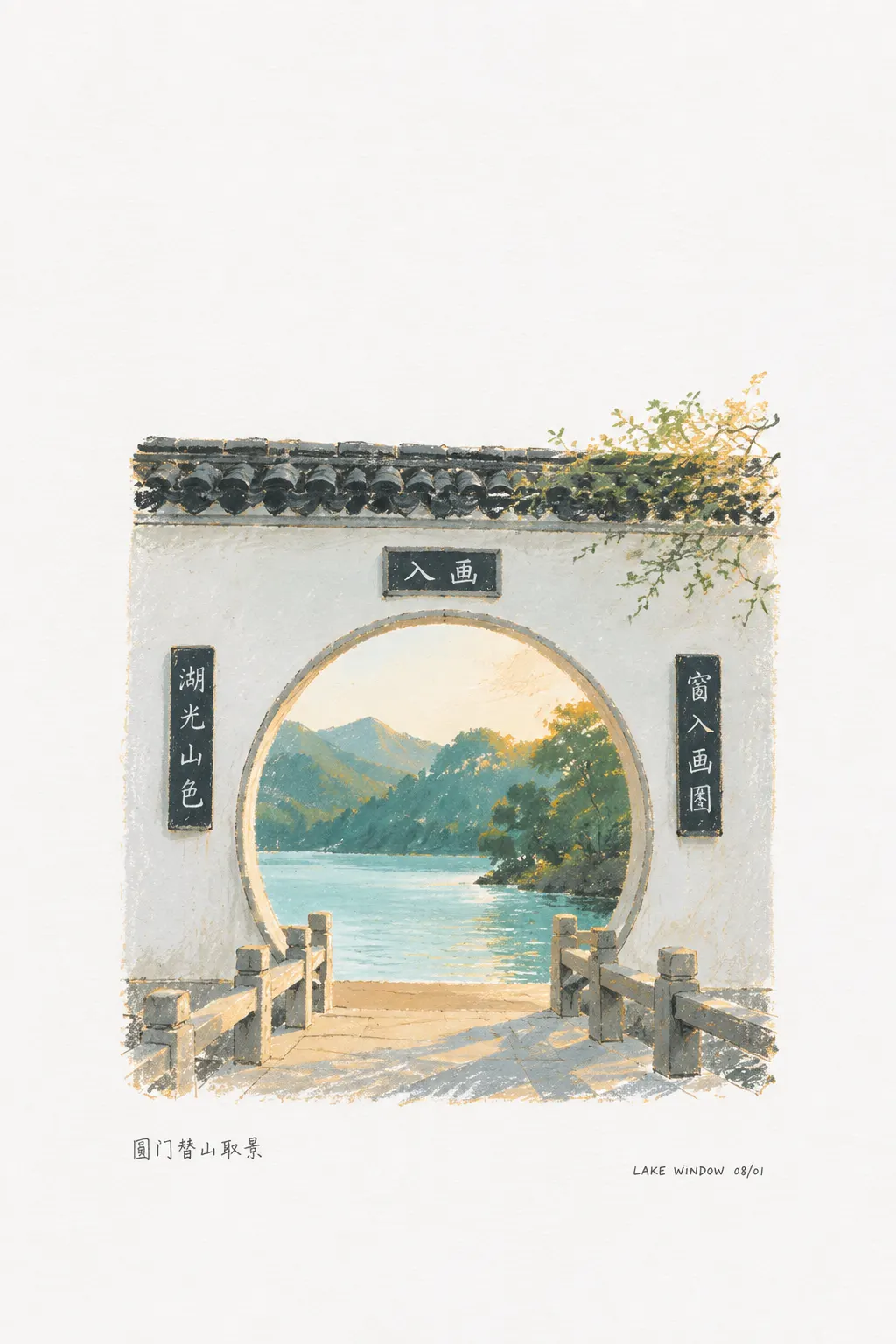
Photo Revival
Get your throwaway snapshot back as a small poetic sketch on a blank page, with a caption.
 dacnay816y62-hubGitHub stars: 574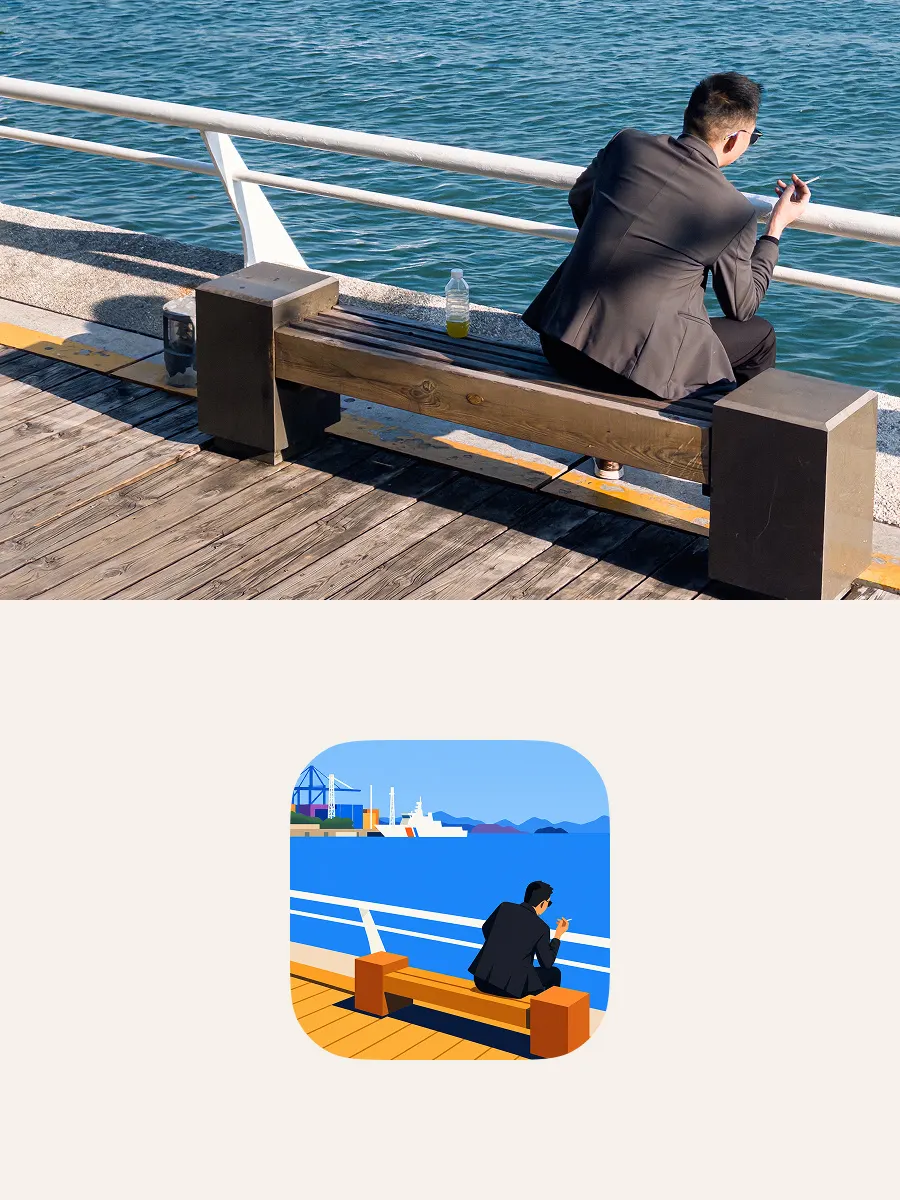
DnR FlatPic
Get a bright, sparse flat-vector version of a busy photo — and an SVG icon if you want one.
 CreateLafontGitHub stars: 19
Canvas Design
Get an original poster or art print drawn in code, plus the design philosophy behind it.
 anthropicsGitHub stars: 179k
Looking for prompts instead of a skill?
Browse real portrait & photo prompts with the images they made, or give your agent the free PicGens template skill.