Photo Abstract Editorial
Pairs your untouched photo with a minimal abstract panel distilled from its own shapes, tones and colours.

Photographers / Designers / Social creators
Suggested prompts
Written by PicGens as starting points. Click one to copy it, then paste it to your agent once the skill is installed.
About this skill
Photo Abstract Editorial solves a problem most photo-styling tools create: they change the photo. This skill leaves your picture exactly as it is and builds something next to it instead. The result is a vertical editorial page in which the original photograph occupies the main area and a pale ivory panel beneath or beside it carries a small abstract composition and a single poetic English title — the kind of layout you might see in an art book or a gallery catalogue.
The interesting part is the discipline behind that panel. The abstract elements are not decoration chosen from a style library; each one has to be traceable to something that is really in your photo. The skill reads the photograph’s spatial structure — where the horizon sits, how the masses are balanced, which way lines lead — along with its tonal range and its actual colours, and reduces those relationships to a handful of shapes, bands and marks. A photo of a harbour might become a low horizontal band, a vertical mast line and a patch of the exact dusk orange from the sky. Because the panel is derived rather than invented, the two halves of the page feel like one piece.
The author is explicit that this is not a filter, a redraw or a style transfer, and the rules in the skill enforce that. Rendering is handled by your agent’s own image generation or editing capability. The complete generation prompt ships in both Chinese and English in the references folder, so you can also treat the skill as a well-engineered prompt and run it with any image model that accepts a reference photo.
Licensing is the thing to check before you use it. The repository uses a custom licence that reserves all rights and permits personal, educational and non-commercial use only; commercial use is not allowed, and the author has publicly objected to people reselling the work. Use it for your own photos, portfolio experiments and learning, and contact the author if you want to use it for client or commercial projects.
Installation is manual: copy the whole folder into your Codex skills directory.
What it makes
A vertical artwork combining the original photo with an abstract panel and a short title.
Before you install: An agent with image editing. The custom licence forbids commercial use.
How to install Photo Abstract Editorial
1.Manual install
Copy the whole photo-abstract-editorial folder into your Codex skills directory, for example ~/.codex/skills/.
Licence and attribution
Photo Abstract Editorial is created and maintained by ZzzLc0405 and published at github.com/ZzzLc0405/photo-abstract-editorial under a custom licence — read the repository’s LICENSE before reuse. The summary, suggested prompts and “About this skill” text are written by PicGens. The preview is GitHub’s own social card for the repository. PicGens is not affiliated with the author.
Related skills
All skills →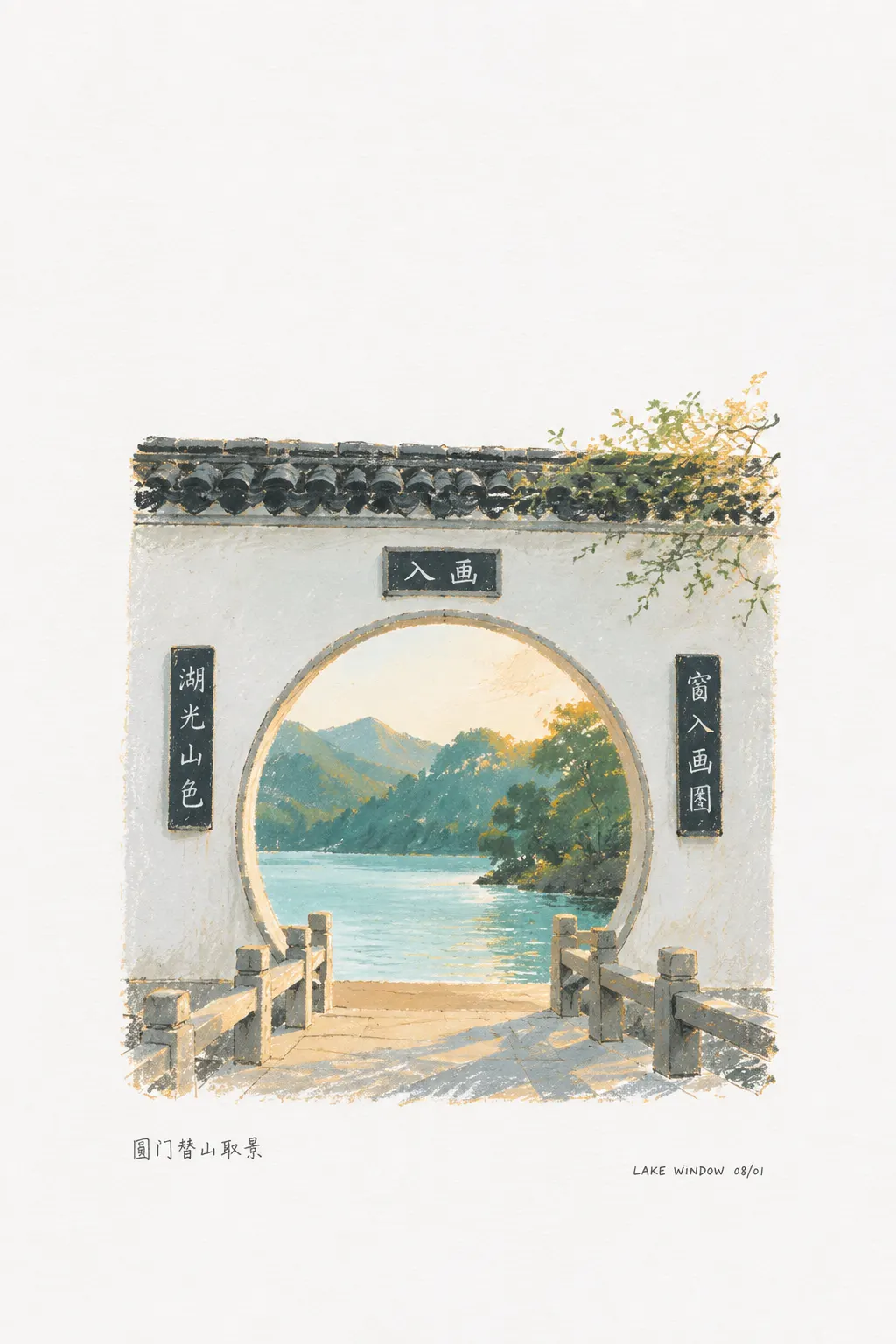
Photo Revival
Get your throwaway snapshot back as a small poetic sketch on a blank page, with a caption.
 dacnay816y62-hubGitHub stars: 574
Photo-to-Poster Skills
Get a gallery-style art poster from your photo in one of fourteen styles, from watercolour to papercraft.
 GZ-LGitHub stars: 25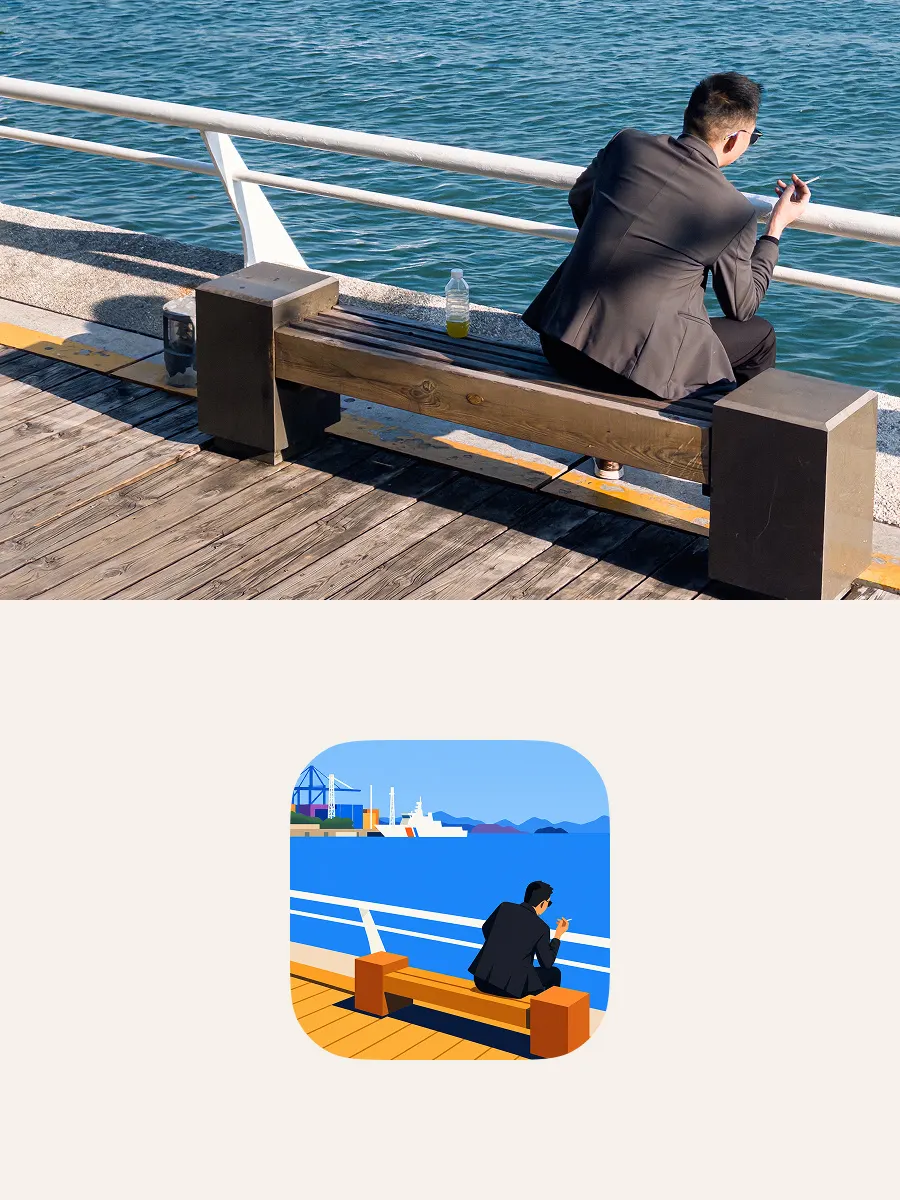
DnR FlatPic
Get a bright, sparse flat-vector version of a busy photo — and an SVG icon if you want one.
 CreateLafontGitHub stars: 19
Canvas Design
Get an original poster or art print drawn in code, plus the design philosophy behind it.
 anthropicsGitHub stars: 179k
Looking for prompts instead of a skill?
Browse real portrait & photo prompts with the images they made, or give your agent the free PicGens template skill.