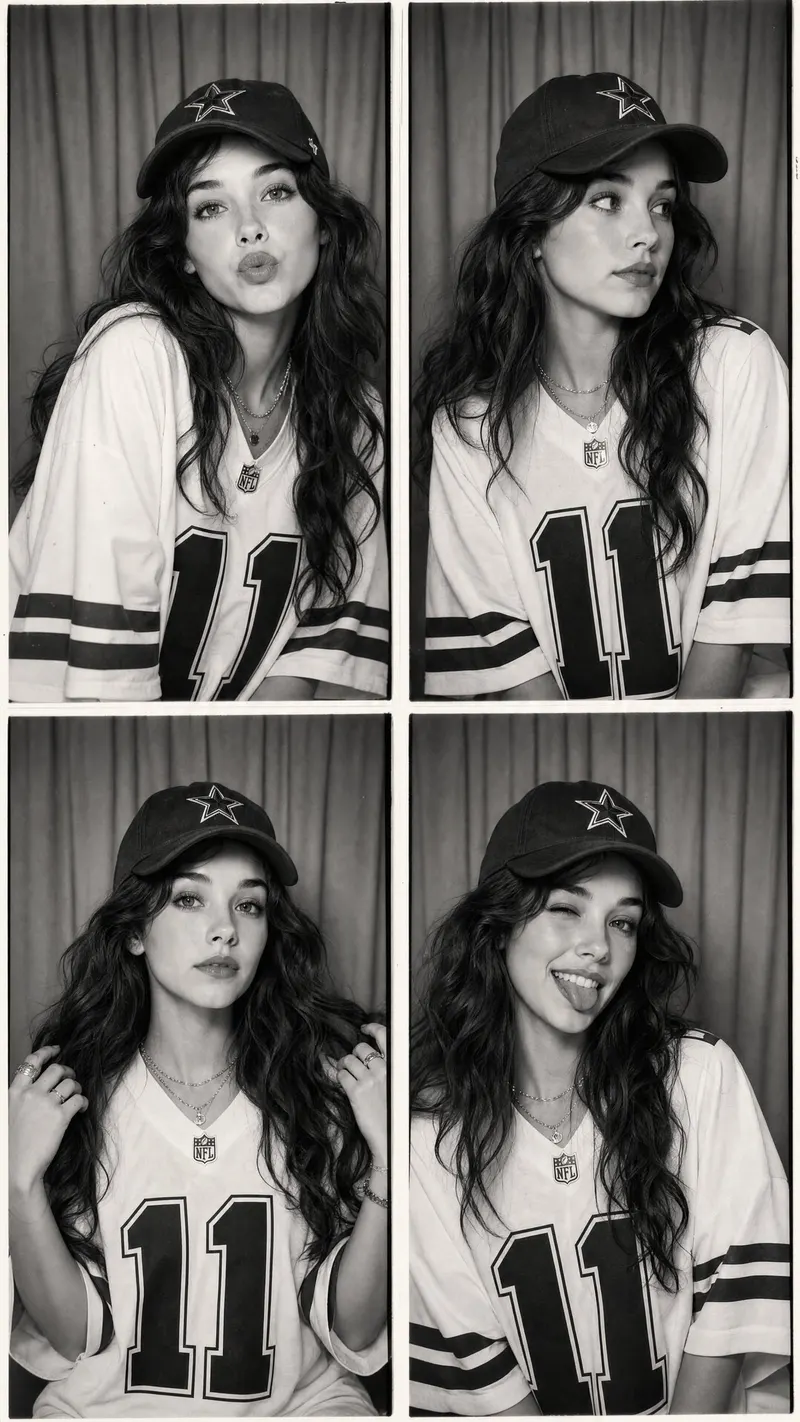
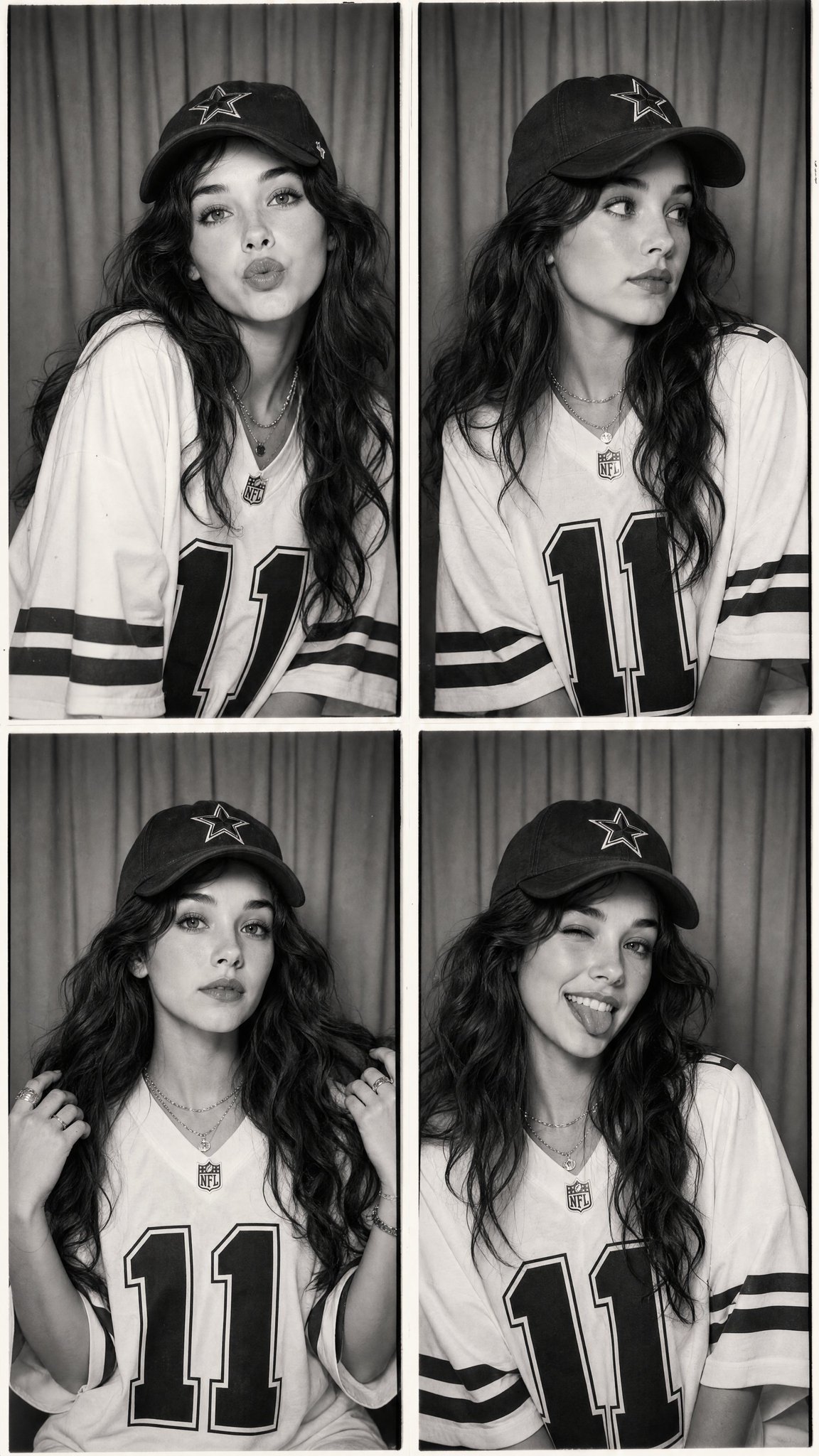
Using the provided reference image, create an ultra-realistic vintage black-and-white photo booth collage featuring the same young woman with identical facial features, long voluminous wavy dark hair, soft natural makeup, and glowing skin. The composition consists of four evenly spaced photo booth frames arranged in a clean 2×2 grid with thin white borders, photographed inside a classic photo booth with a simple curtain backdrop. She wears an oversized white NFL-style football jersey with bold black number 11, black striped sleeves, and an athletic vintage aesthetic. She also wears a black baseball cap with a white star logo, layered silver necklaces, rings, and minimal jewelry. Each frame captures a different candid pose: Leaning slightly toward the camera with lips puckered in a playful kiss expression. Looking sideways with a relaxed, thoughtful expression. Holding strands of her hair with both hands while looking directly into the camera. Smiling brightly, winking one eye, and sticking out her tongue in a playful pose. The images feature authentic film grain, soft monochrome contrast, subtle vignette, slight photo booth imperfections, gentle skin texture, realistic fabric folds, soft diffused lighting, and a nostalgic early-2000s aesthetic. The curtain background remains identical in every frame, with natural pose variation and consistent facial identity. Captured using a 50mm lens, eye-level composition, photorealistic, editorial portrait photography, Kodak Tri-X 400 film simulation, vintage photo booth aesthetic, Pinterest fashion mood, ultra detailed, masterpiece quality, and 8K resolution. Style Keywords black and white photo booth, vintage film, NFL jersey, oversized sportswear, baseball cap, Pinterest aesthetic, Y2K, candid portraits, Kodak Tri-X, monochrome editorial, nostalgic, photorealistic, ultra detailed. Negative Prompt low quality, blurry, anime, cartoon, CGI, plastic skin, distorted anatomy, extra fingers, duplicate face, duplicate limbs, watermark, logo, text, poor lighting, oversharpened, low resolution, artifacts, inconsistent face, different hairstyle, cropped body, bad composition.