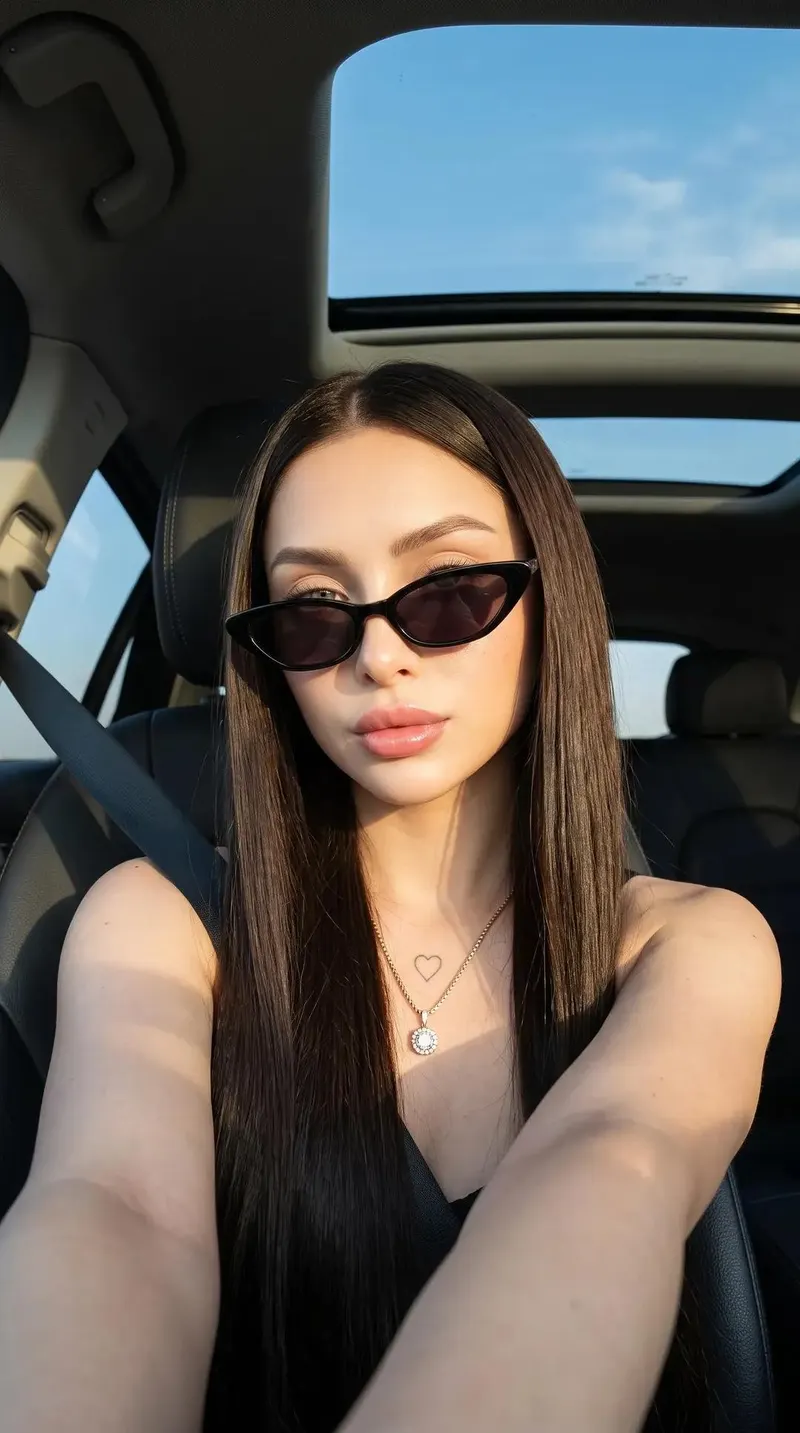
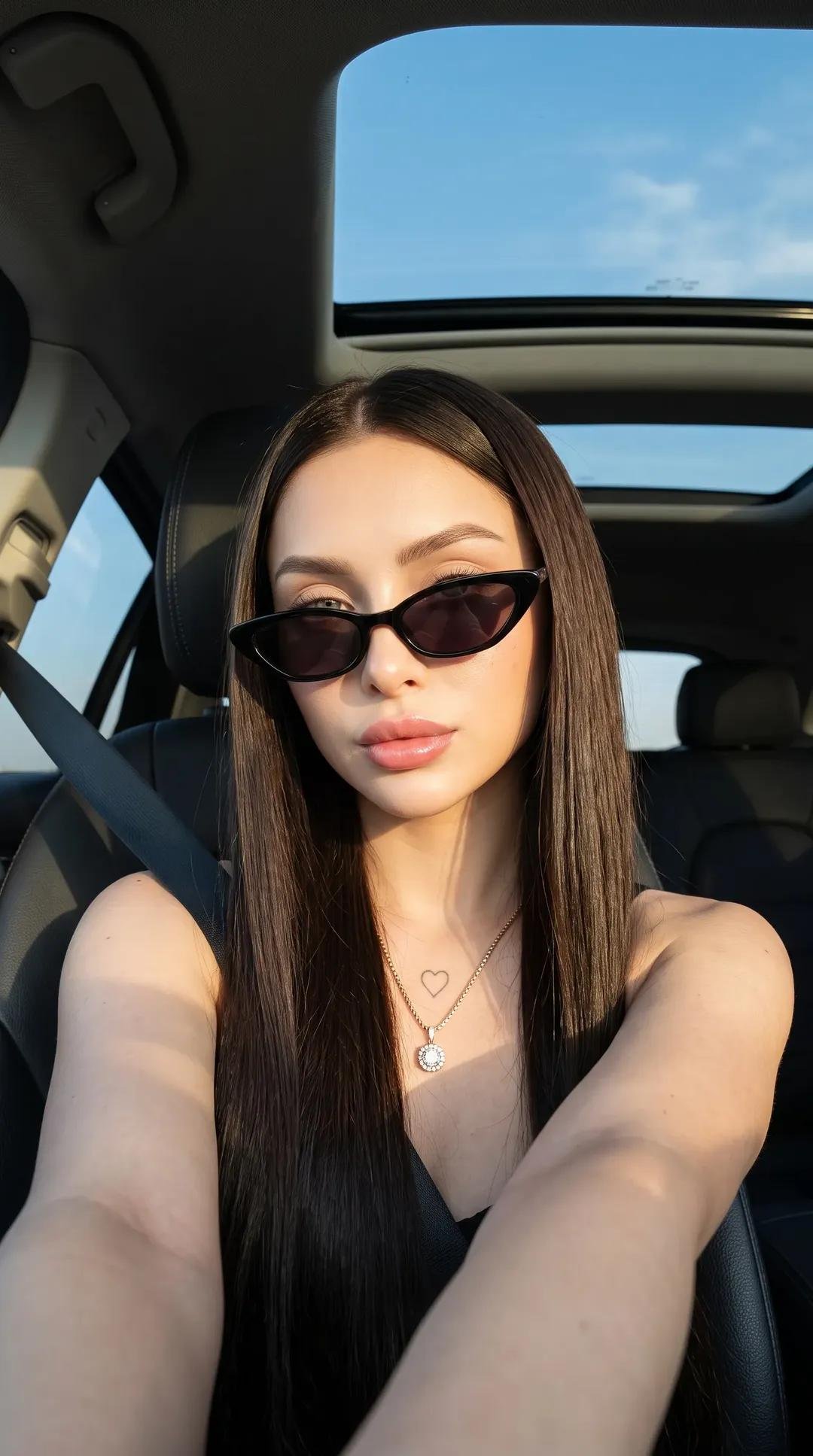
Create an ultra-realistic using the reference image as the identity source. Preserve the exact facial features, bone structure, proportions, skin tone, and identity of the subject. Do not beautify, reshape, or alter the face in any way. Maintain natural likeness and authentic facial geometry. Subject: A 28-year-old woman with a fit physique, an hourglass body shape, and an identical, unaltered face matching the subject in 1000052924.jpg. Pose: Low-angle, close-up selfie perspective taken inside a vehicle. She is sitting slightly angled toward the lens, her right arm extended forward to hold the camera. Her head is tilted subtly to the side with an effortless, confident posture. No Modifications: Strictly maintain the exact facial identity, structure, and features of the subject in 1000052924.jpg. No nose piercings. Hairstyle & Makeup Hairstyle: Sleek, pin-straight dark brown hair parted perfectly down the middle. The hair cascades smoothly down both sides of her face and over her shoulders, with fine strands catching golden highlights from the sun. Makeup: Clean "no-makeup" aesthetic with flawless skin texture. Softly defined, natural eyebrows. Plump, hydrated lips coated in a subtle, glossy pink tint. Wardrobe & Styling Attire: Minimalist black spaghetti-strap scoop-neck top or camisole. A dark car seatbelt crosses diagonally over her left shoulder and chest. Accessories: Narrow, retro-style black cat-eye sunglasses with dark tinted lenses resting perfectly on the bridge of her nose. A delicate, thin gold chain necklace featuring a small, circular diamond or crystal pendant resting in the center of her collarbone. A tiny, subtle heart outline tattoo faintly visible on the skin just above the necklace pendant on her sternum. Setting & Environmental Details Environment: Luxury car interior cabin. The dark leather/fabric car seat contours behind her. Background/Upper Frame: An open panoramic sunroof directly above her head reveals a clear, bright blue sky with a few faint, soft white clouds passing by. Lighting & Cinematic Realism Lighting Style: Striking, direct golden hour sunlight streaming into the vehicle cabin. Chiaroscuro & Shadows: Harsh, high-contrast directional lighting splits the frame. Bright golden warmth illuminates her face, chest, and right shoulder, while the lower portion of her top and parts of the car interior plunge into deep, rich cinematic shadows. The sunglasses cast a sharp, defined shadow across her upper cheeks. Camera Details & Optics Gear: Shot on a premium mirrorless camera, Sony A7R V with a 35mm f/1.4 lens, capturing pristine detail. Angle: Low-angle selfie perspective, wide-angle lens characteristics with a slight, natural perspective stretch near the bottom edge of the frame. Settings: Sharp focus on the subject's face and sunglasses, with a subtle, organic depth-of-field falloff toward the back of the car cabin. Texture & Realism Boosters Skin & Fabric: Ultra-HD rendering of hyper-realistic skin texture showing fine pores, natural highlights, and realistic subsurface scattering under direct sunlight. True-to-life fabric weave on the black straps and seatbelt webbing. Smooth, reflective glass textures on the sunglass lenses and car sunroof pane. Clear, vivid 32K resolution. negative Prompt: low quality, blurry, flat lighting, dull colors, bad anatomy, extra limbs, distorted face, stiff pose, cartoon, anime, CGI, plastic skin, cheap costume, repetitive outfit, watermark, logo, text. No nose pierce