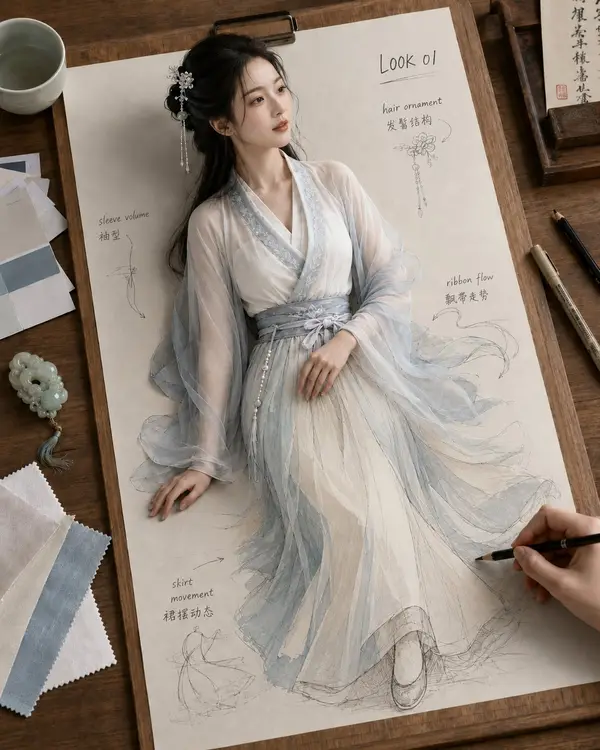
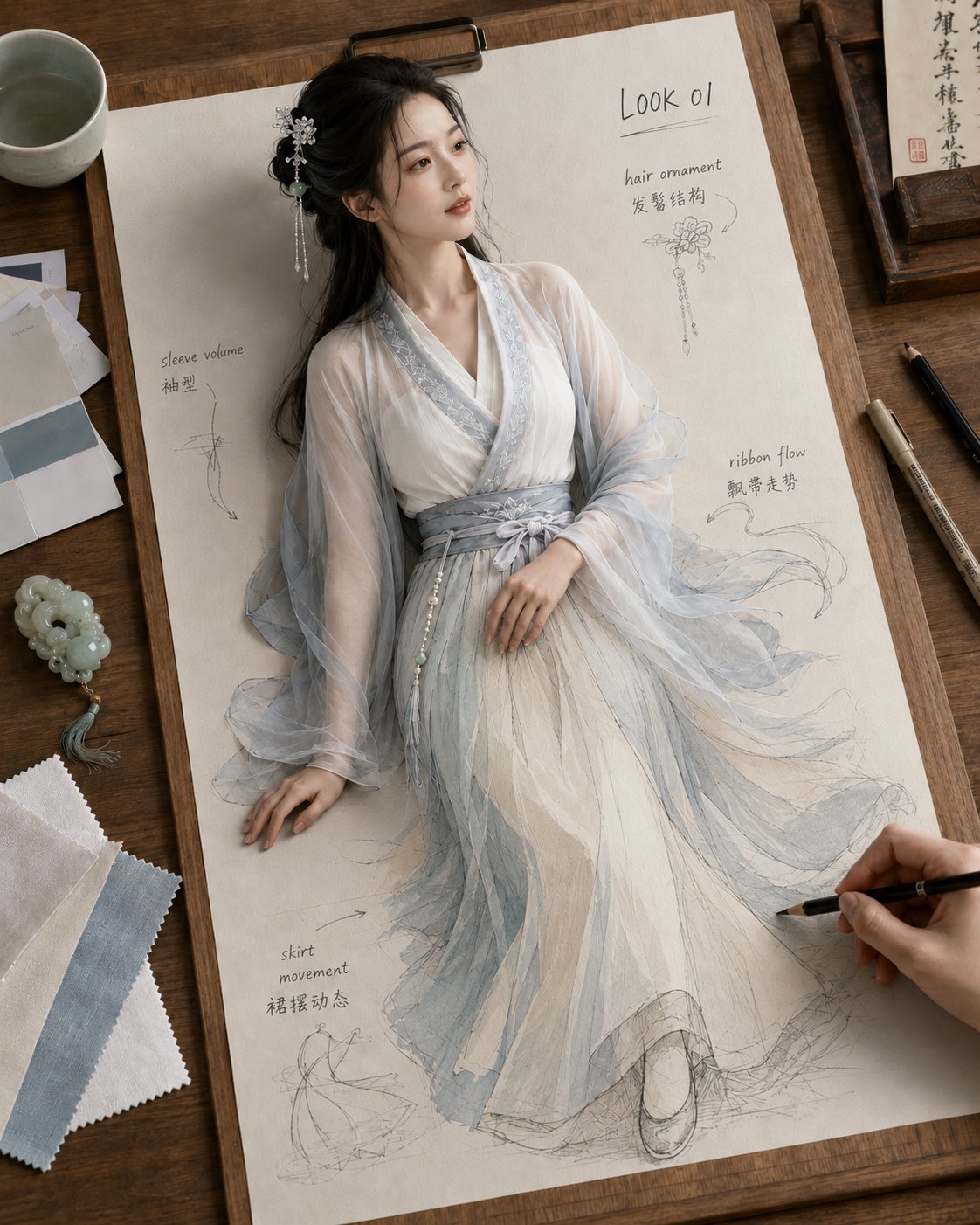
- Where do I use this GPT Image 2 prompt?
- Open ChatGPT (image generation is available on free and paid plans), paste the prompt, and send. GPT Image 2 follows detailed, multi-part instructions well, so you can be specific about layout and composition.
- Can I use my own photo with GPT Image 2?
- Yes. Attach your photo in ChatGPT first, then paste the prompt — GPT Image 2 edits from a reference image, so it restyles your photo while keeping the subject. Keep the prompt focused on the change you want.
- Is GPT Image 2 free to use?
- Image generation is available to free ChatGPT users with limits; paid plans raise those limits. Copying and reusing this prompt is free either way.